Text highlighter
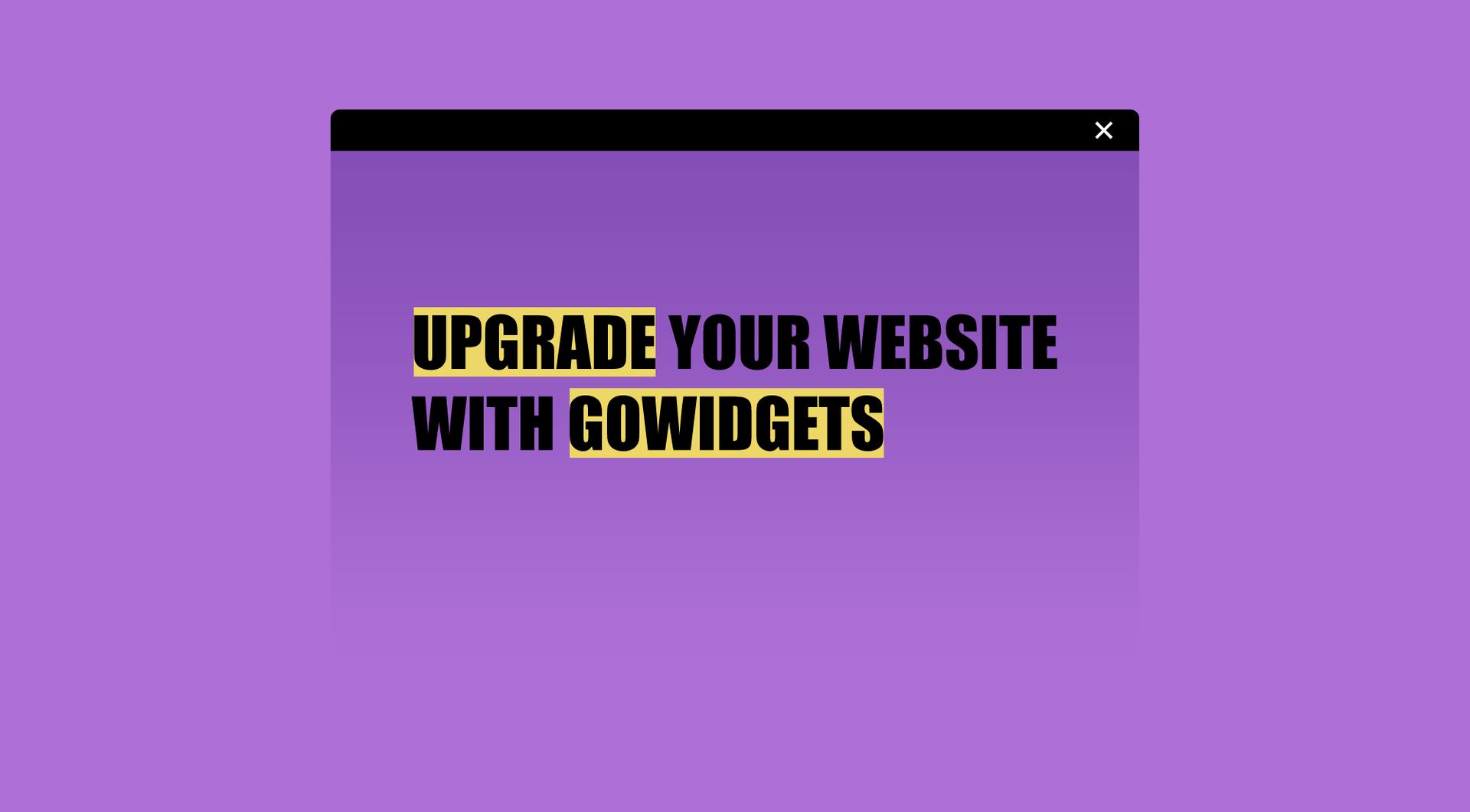
Why use the Text highlighter on your Duda website?
Make key words stand out without redesigning a section
Standard text blocks can make every word feel equally important. The Text Highlighter widget helps agencies draw attention to one specific word or phra
se with an underline or colour transition, making headings and short messages easier to scan.
Add visual emphasis to conversion-focused copy
Important words in headlines, service blocks or call-to-action sections often need extra focus. This widget helps guide attention to the part of the message that matters most, without changing the full layout of the page.
Reduce recurring custom styling requests
Agencies often receive small styling requests that still take time to handle manually. With a reusable text highlighting widget, teams can apply consistent underline or colour effects across Duda websites without rebuilding the same effect each time.
Give Duda pages a more polished visual detail
A subtle highlight can make a heading or short piece of copy feel more intentional. The widget is useful for landing pages, service pages, hero sections and promotional blocks where one word should visually carry more weight.
Some frequently asked questions
What does the Text Highlighter widget do?
The Text Highlighter widget lets you emphasise one word or short phrase in a text line by adding an underline effect or a colour transition.Is this widget made for Duda websites?
Yes. The Text Highlighter widget is designed for Duda websites and for agencies, professional Duda users and businesses that want more styling options.Can I choose which word is highlighted?
Yes. You can use the widget to highlight a specific word or phrase in your text.What type of highlight effects are available?
Based on the current input, the widget supports underline styling and colour changes with a transition.Where can this widget be used?
It can be used in sections where important text needs more visual focus, such as hero headings, service blocks, campaign sections, landing pages and call-to-action areas.Can the widget be customised?
Yes. All goWIDGETS widgets are fully customisable.Do I need a developer to use or install this widget?
No. You do not need a developer to use or install the widget.Can I use this widget on multiple Duda sites?
Yes. The widget can be used on all sites within the customer’s Duda account.
Explore related widgets
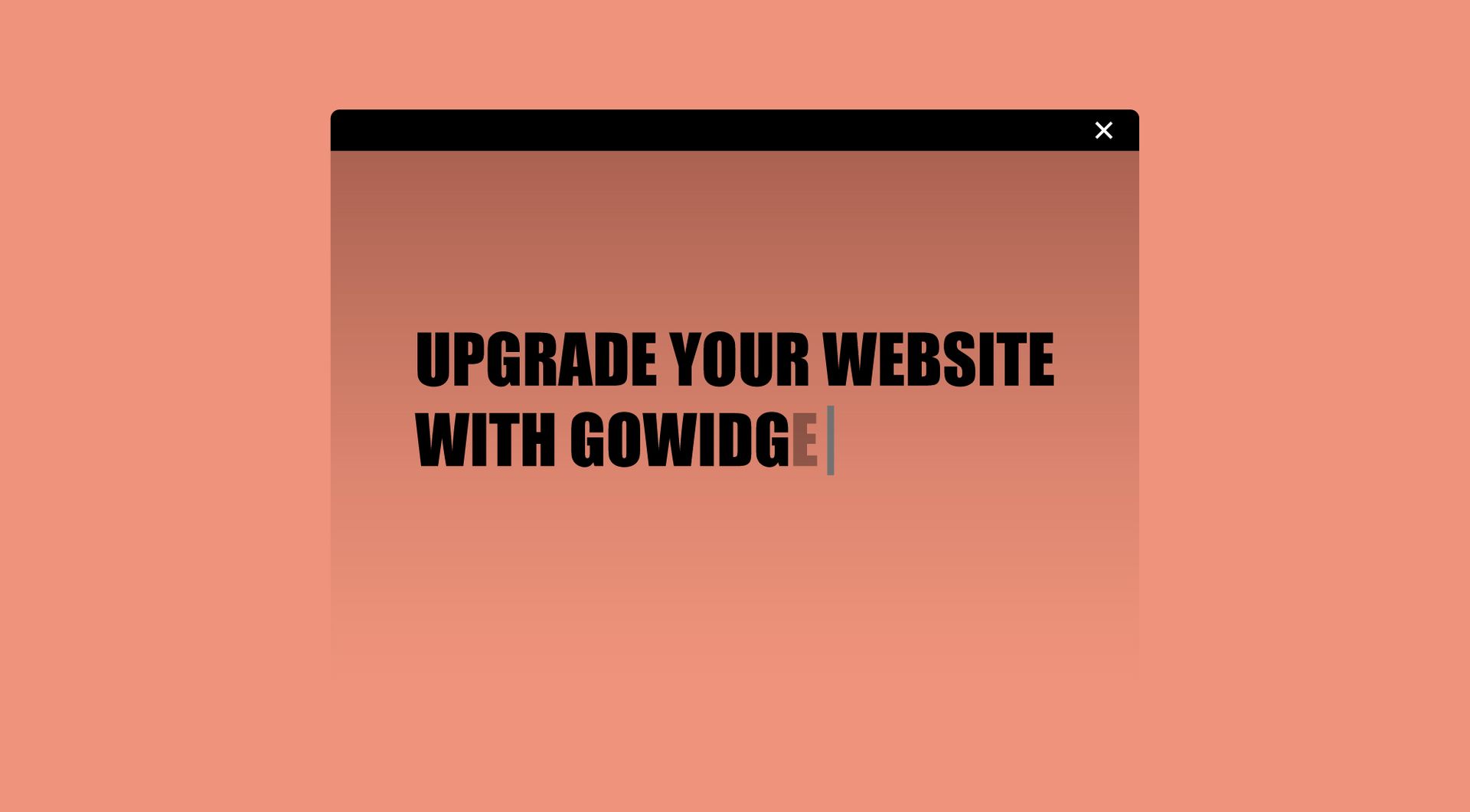
Dynamic text
Creates an engaging effect by simulating the typing and erasing of text, adding interactivity and flair to your webpage.
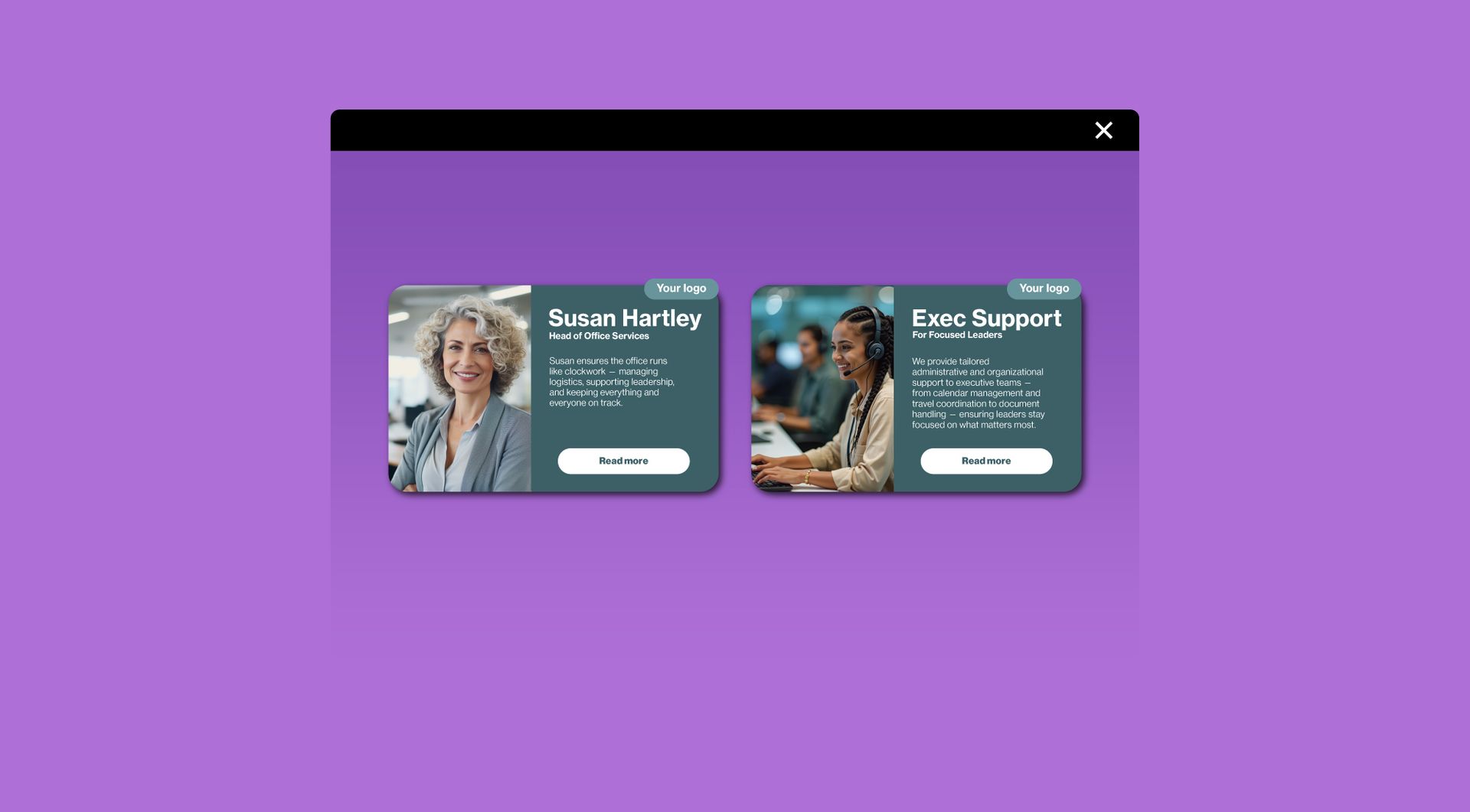
Card widget
Display information in stylish, clickable cards. Ideal for services, team members, or featured content.
Image slider
Showcase your images one at a time in a sleek slider. Let visitors browse manually or enjoy automatic transitions.