Image slider
Why use the Image slider on your Duda website?
Add movement without overcomplicating the page
Static image sections can make a page feel flat, especially when agencies need to present multiple visuals in a small space. The Image Slider adds controlled movement, helping Duda websites feel more dynamic without turning the page into a custom development project.
Show more images in less space
Image-heavy pages can quickly become long and difficult to scan. A slider lets you present several images in one compact section, which is useful for portfolios, projects, locations, products, events or visual brand content.
Improve visual storytelling for visitors
Some images work better as a sequence than as separate blocks. The Image Slider helps visitors browse visuals one by one, making it easier to guide attention and present a clearer story around a service, result, location or project.
Give agencies a reusable visual solution
Some frequently asked questions
What is the image slider widget for Duda?
The Image Slider widget lets you display multiple images in a sliding format on a Duda website. It can be used to make visual sections more compact, dynamic and easier to browse.What problem does the image slider solve?
It solves the problem of long, static image sections. Instead of placing many images underneath each other, you can show them in one clean slider area.Who is this widget useful for?
It is useful for Duda agencies, webdesign agencies, professional Duda users and businesses that want to present visual content in a more structured way.What can I use the image slider for?
You can use it for project photos, product visuals, portfolio items, location images, event impressions, service examples, team photos or brand visuals.Can visitors browse the images manually?
Yes, the widget is intended to let visitors browse through images. Based on the goWIDGETS overview, the Image Slider can show images one at a time and supports manual browsing or automatic transitions.Can the slider move automatically?
Yes, the widget can be used to show images with automatic transitions, based on the available goWIDGETS widget description.Is the Image Slider fully customisable?
Yes. All goWIDGETS widgets are fully customisable, so the widget can be adjusted to match the design and structure of the Duda website.Do I need a developer to install this widget?
No. You do not need a developer to use or install the widget. If preferred, goWIDGETS can also help with the installation.
Explore related widgets
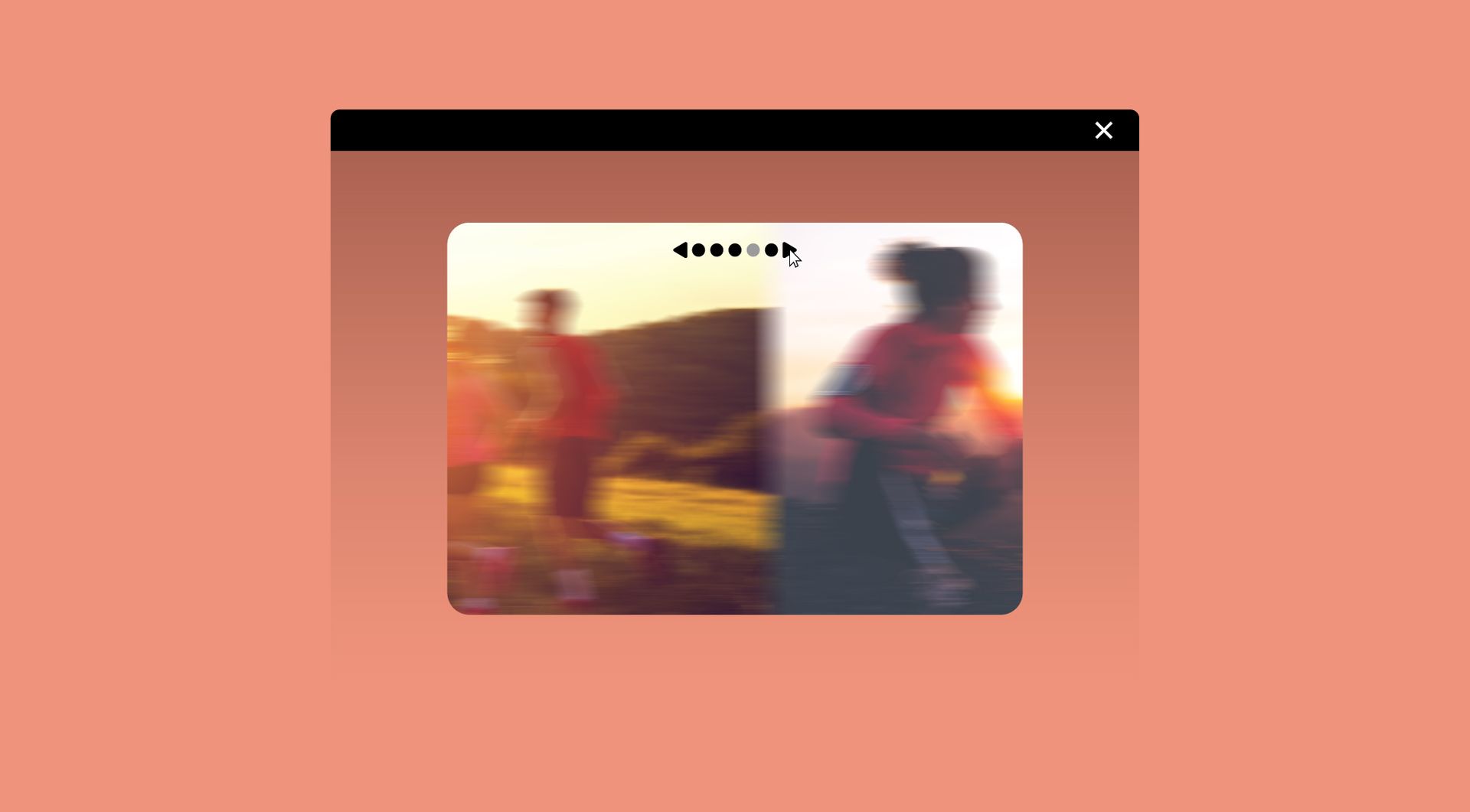
Image slider
Showcase your images one at a time in a sleek slider. Let visitors browse manually or enjoy automatic transitions.
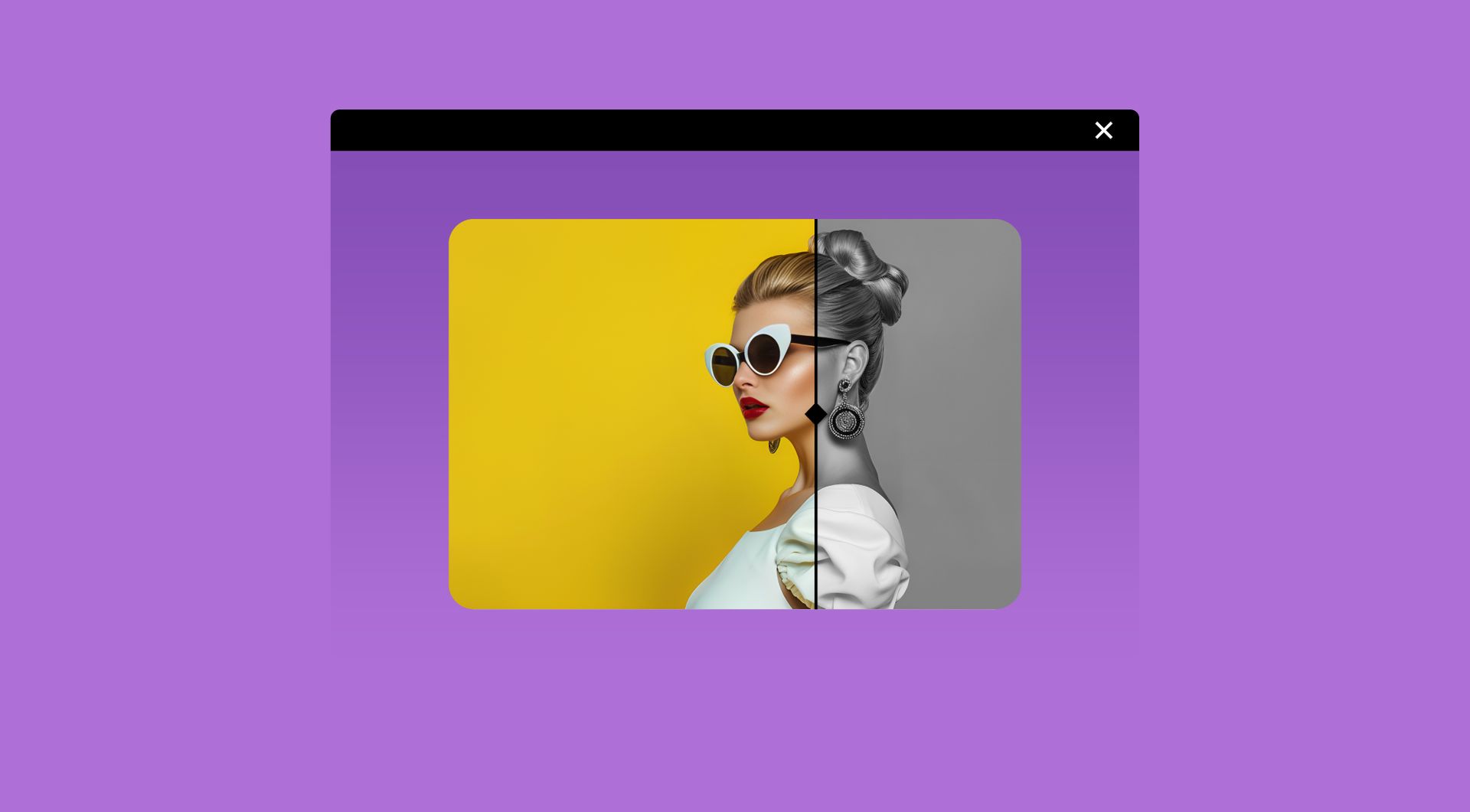
Before & after slider
Compare two images with a smooth, interactive slider. Let visitors easily see transformations, edits, or product results.
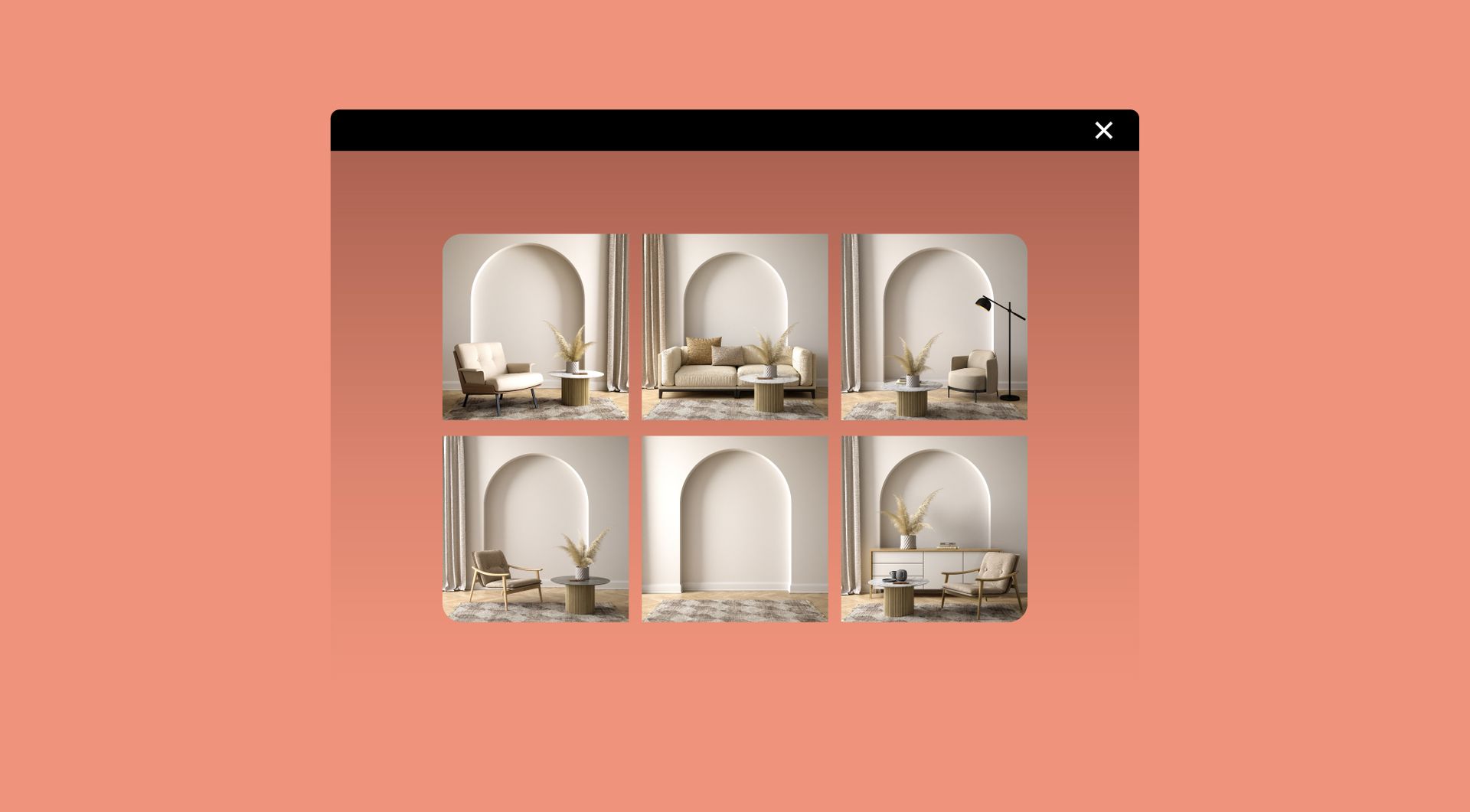
Image gallery
Showcase multiple images in a clean gallery layout. Let visitors browse, zoom, and enjoy your visuals.