Dynamic text
Why use the Dynamic text on your Duda website?
Make key messages stand out
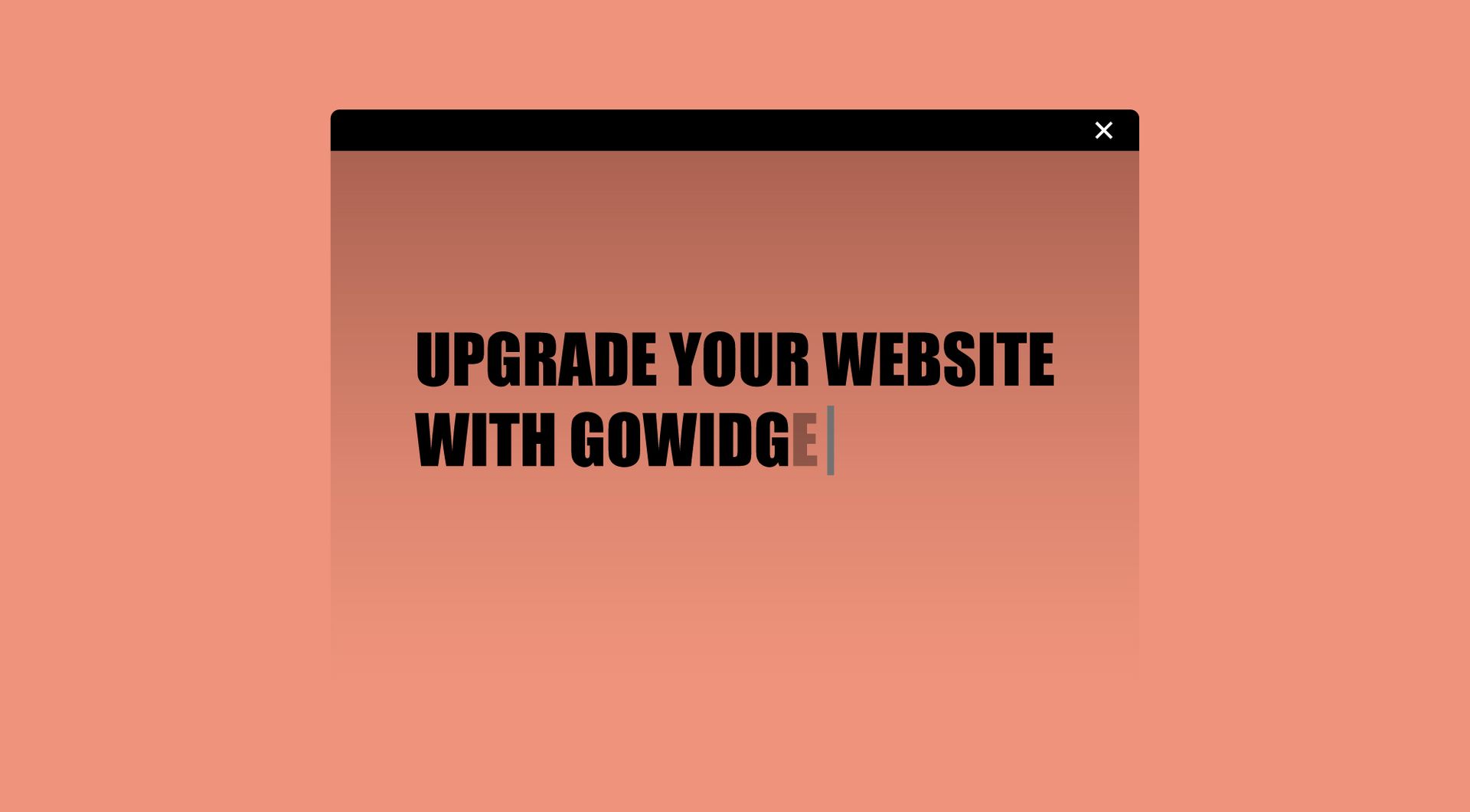
Static headlines can be easy to miss, especially on agency-built websites with a lot of visual content. The Dynamic Text widget adds movement to one word, phrase or sentence, helping important messages attract attention without changing the full design.
Add variation without creating extra sections
Agencies often need to communicate multiple services, audiences or selling points in a compact space. This widget lets one sentence change dynamically, so you can show more context without adding extra blocks, long copy or unnecessary scrolling.
Improve hero sections and campaign pages
Hero sections need to explain value quickly. A typing animation can help emphasise different benefits, industries, services or locations within one clear headline. This makes landing pages more engaging while keeping the message focused.
Avoid recurring custom animation work
Some frequently asked questions
What is the Dynamic Text widget for Duda?
The Dynamic Text widget adds a typing animation to text on a Duda website. It can simulate text being typed, erased and replaced with another word, phrase or sentence.What problem does this widget solve?
It helps make important text more noticeable without adding large sections, extra design work or custom animation development.Where can I use the Dynamic Text widget?
It is useful in hero sections, landing pages, banners, service sections, campaign pages and CTA blocks where one changing word or phrase can strengthen the message.Can I use it for multiple words or phrases?
Yes, the widget is intended for text that changes, such as one word, short phrase or sentence.Do I need a developer to use or install this widget?
No. You do not need a developer to use or install the widgeCan goWIDGETS help with installation?
Yes. If needed, goWIDGETS can help with the installation.Can the widget be customised?
Yes. All goWIDGETS widgets are fully customisable.Can I use the widget on multiple Duda websites?
Yes. The widget can be used on all sites within your Duda account.
Explore related widgets
Custom button
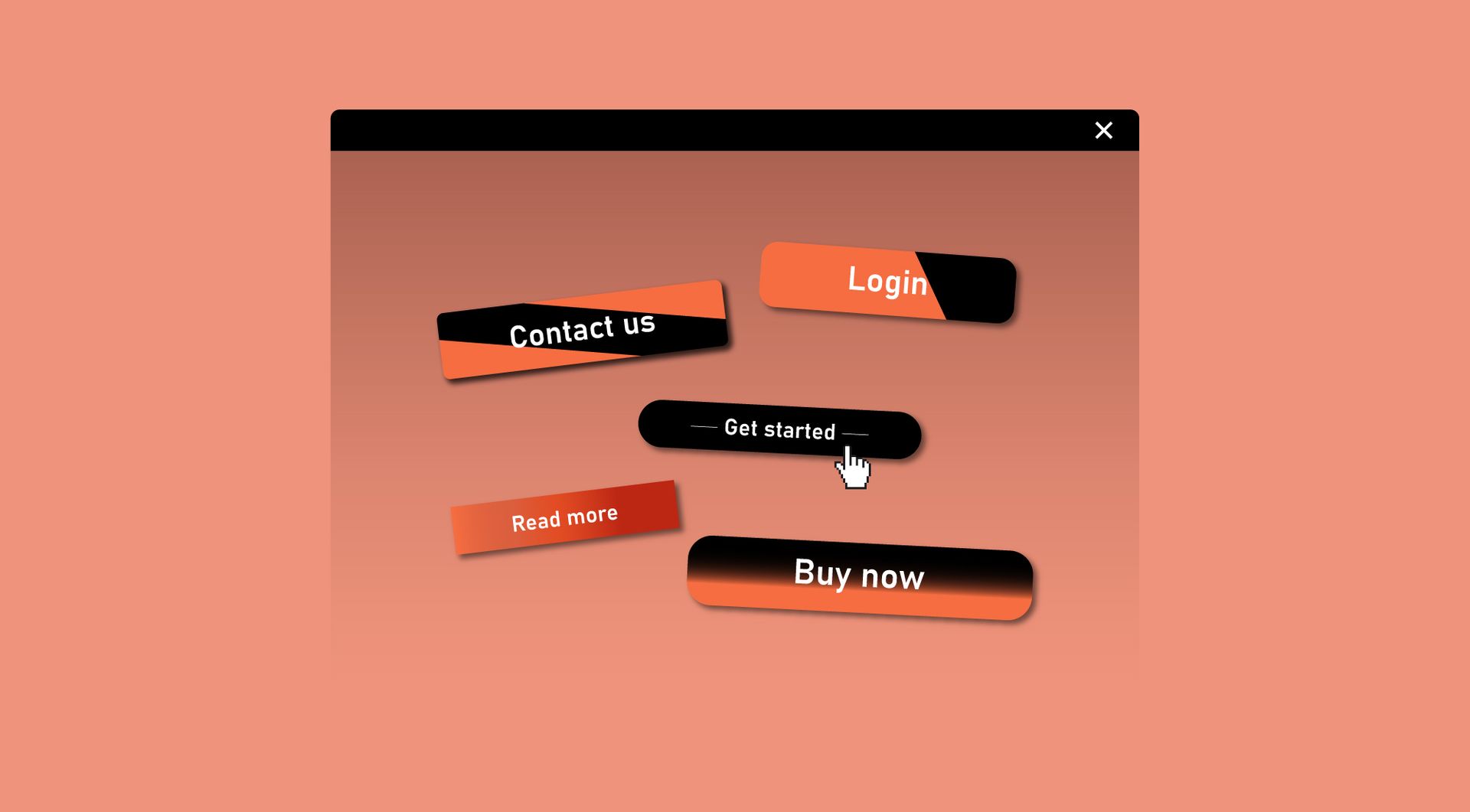
Design a button that matches your brand and drives action. Link it to pages, forms, or external URLs with ease.
Text highlighter
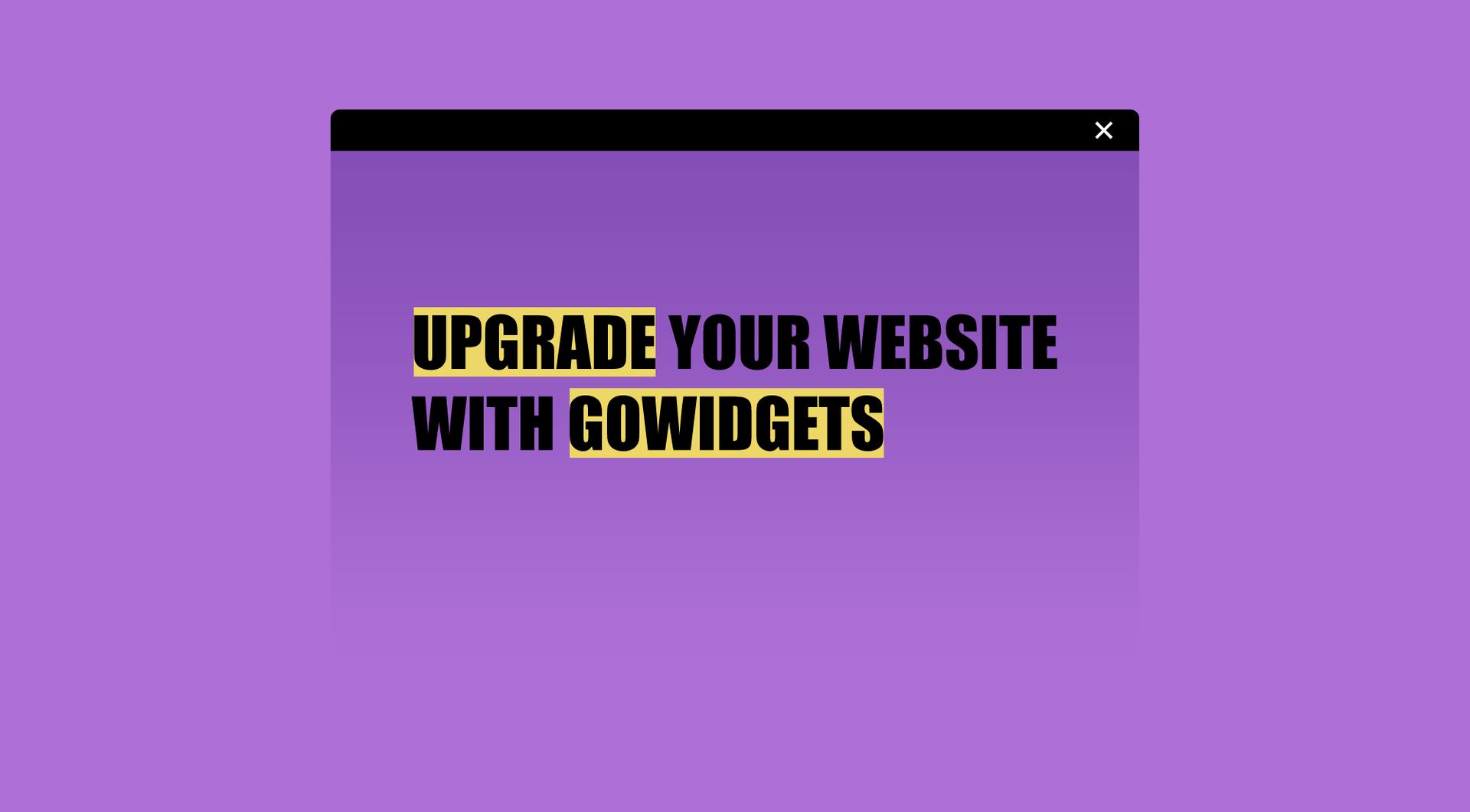
Highlight key words or phrases in your text. Draw attention to important details and improve readability.
Countdown timer
Create excitement with a live countdown to your event or launch. Keep visitors engaged and looking forward to what’s coming.