Card widget
Why use the Card widget on your Duda website?
Turn scattered content into structured cards
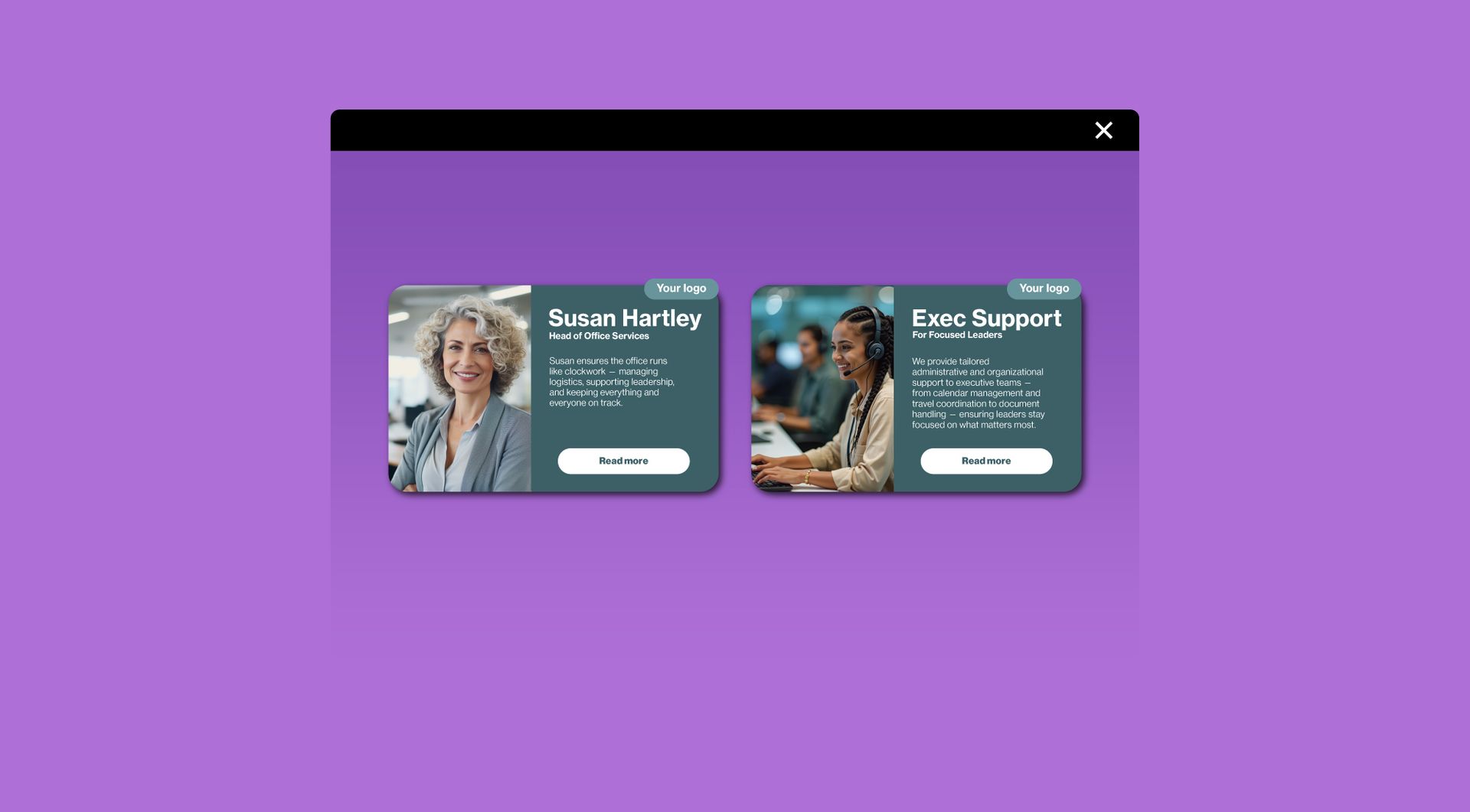
When a page contains several services, projects or content blocks, visitors can quickly lose overview. The Card widget helps organise information into clear, repeatable cards, making each item easier to scan, compare and open.
Reuse a practical layout across Duda projects
Agencies often need similar card sections for services, cases, team members or featured pages. This widget gives you a reusable card structure, so you can build consistent sections faster without creating the same layout manually every time.
Guide visitors from summary to detail
Each card can present a short summary and link visitors to a relevant page, form or section. This helps users move from browsing to action without forcing them to read long blocks of text first.
Keep service and project blocks aligned
Different content types can quickly make a page feel uneven. The Card widget helps create a consistent visual rhythm, making professional Duda websites easier to browse and easier for agencies to maintain.
Some frequently asked questions
What is the Card widget for Duda?
The Card widget is a Duda widget that lets you display information in clean, visual and clickable cards. It is useful for services, projects, team members, featured pages or content highlights.What problem does the Card widget solve?
It helps organise multiple pieces of information into a clear layout. Instead of long text blocks or uneven sections, visitors see structured cards that are easier to scan and navigate.Can I use the Card widget to show services?
Yes. The widget is well suited for service overviews, especially when each service needs a title, short description, visual element and link to a detail page.Can I use it for projects or case studies?
Yes. Agencies can use the Card widget to present projects, portfolio items or case studies in a more structured and visual way.Are the cards clickable?
The widget is intended for clickable card layouts. You can use cards to guide visitors to service pages, project pages, contact forms or other relevant destinations.Can the design be customised?
Yes. All goWIDGETS widgets are fully customisable, so the Card widget can be adjusted to match the branding, layout and design style of the Duda website.Do I need a developer to use this widget?
No. You do not need a developer to use or install the widget. If desired, goWIDGETS can also help with the installation.Can I use this widget on multiple Duda websites?
Yes. The widget can be used on all sites within your Duda account.
Explore related widgets
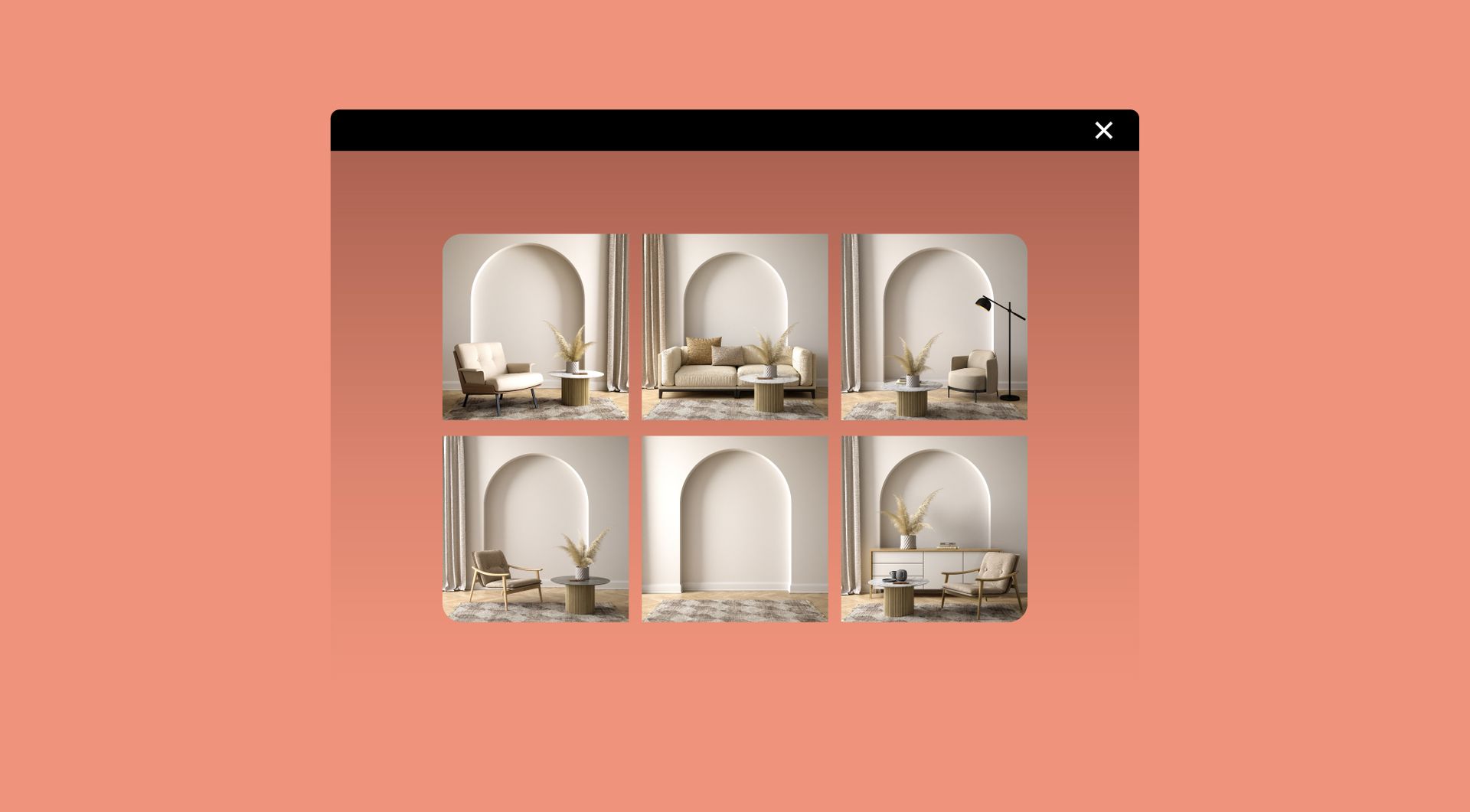
Image gallery
Showcase multiple images in a clean gallery layout. Let visitors browse, zoom, and enjoy your visuals.
Scroll indicator
A configurable line that visually represents your progress on a webpage. It’s typically displayed at the top of the screen but can be optionally positioned on any side.
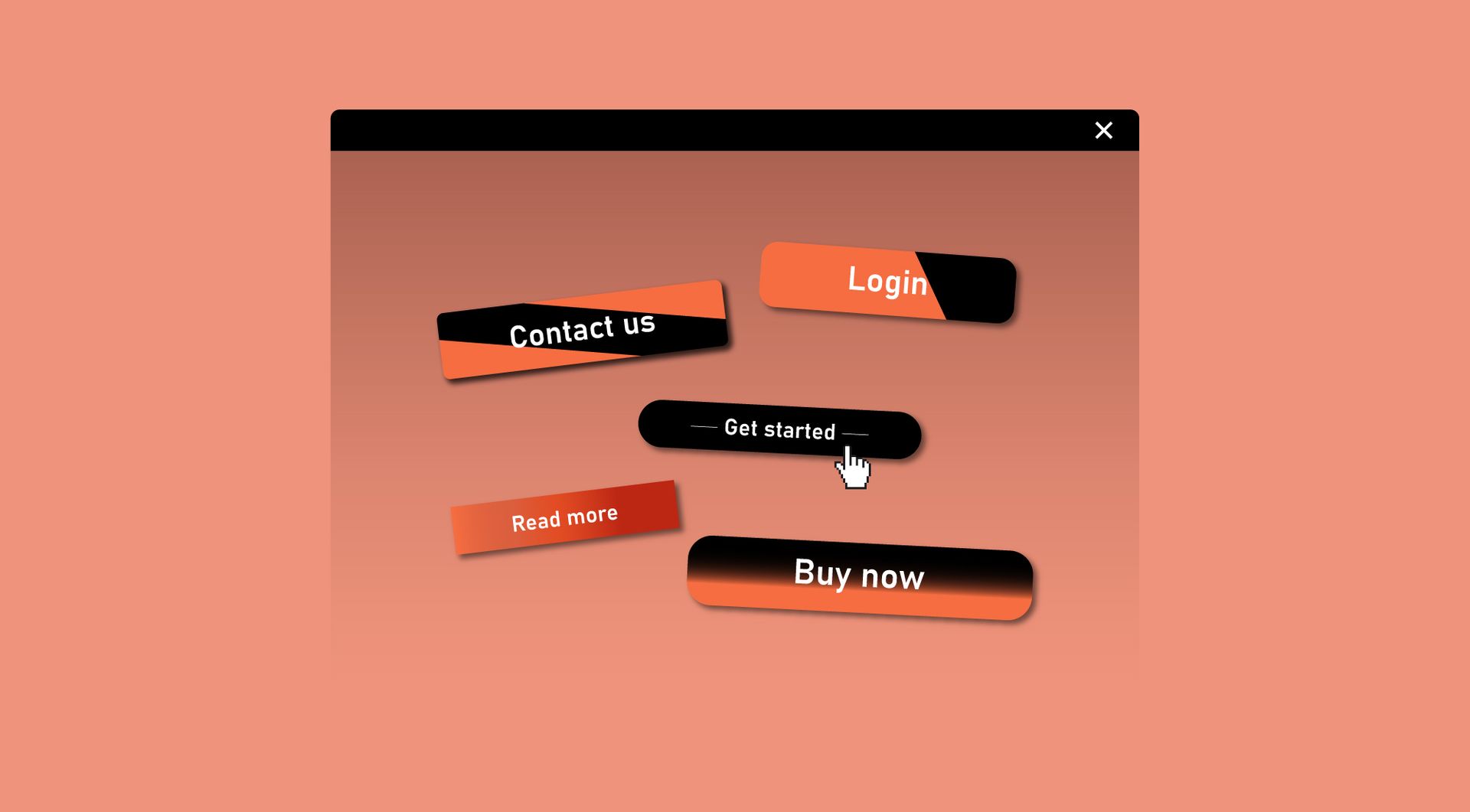
Custom button
Design a button that matches your brand and drives action. Link it to pages, forms, or external URLs with ease.