Optional section
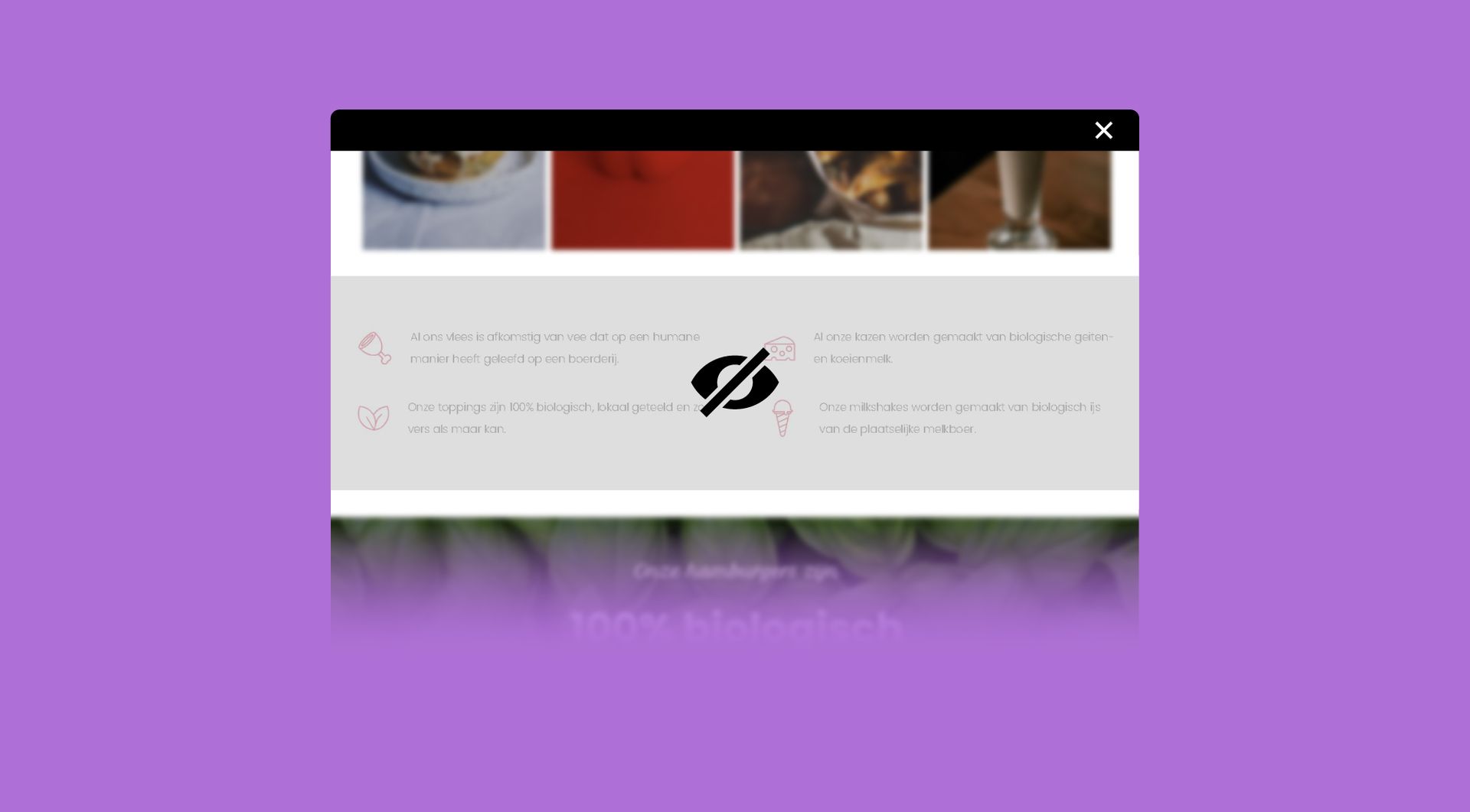
Why use the Optional section on your Duda website?
Control content per collection item
Dynamic pages often use one fixed layout for many items. That becomes limiting when some items need extra information and others do not. The Optional Section widget lets you decide per row or column whether content should appear for a specific item.
Avoid empty or irrelevant sections
A dynamic page can quickly feel unfinished when empty sections, missing fields or irrelevant content still appear. This widget helps keep each page cleaner by hiding parts that do not apply to that specific product, service, location, project or profile.
Reduce repeated page variations
Without conditional visibility, agencies may need separate layouts, manual workarounds or duplicated pages. The Optional Section widget helps keep one dynamic page structure while still allowing item-specific variation, which is useful for scalable Duda builds.
Make dynamic pages feel more flexible
A collection-driven page should not feel static. By showing or hiding selected rows or columns per item, agencies can create more relevant page experiences while keeping content management structured inside Duda.
Some frequently asked questions
What is the Optional Section widget for Duda?
The Optional Section widget lets you show or hide specific rows, columns or sections on a Duda page or dynamic page, based on whether that content should appear for a specific item.
What problem does this widget solve?
It solves the limitation of using one fixed dynamic page layout for many different collection items. Instead of showing the same sections everywhere, you can control which parts appear per item.
Can I use this widget on Duda dynamic pages?
Yes. The widget is designed for Duda pages and dynamic pages where content may need to vary per collection item, row or column.
Can the widget work with a Duda collection?
Yes. The widget can be connected to a collection, so visibility can be managed based on the data or settings for each item.
Can I hide a section for only one dynamic page item?
Yes. That is one of the main use cases. You can hide a row, column or section for one item while keeping it visible for other items that use the same dynamic page layout.
Do I need a developer to use or install this widget?
No. You do not need a developer to use or install the widget. If needed, goWIDGETS can also help with the installation.
Can I use this widget on multiple Duda sites?
Yes. The widget can be used on all sites within the customer’s Duda account.
How do I request this widget?
Click the “Get this widget” button. After submitting your request, the widget will be sent to the provided email address within one working day.
Explore related widgets
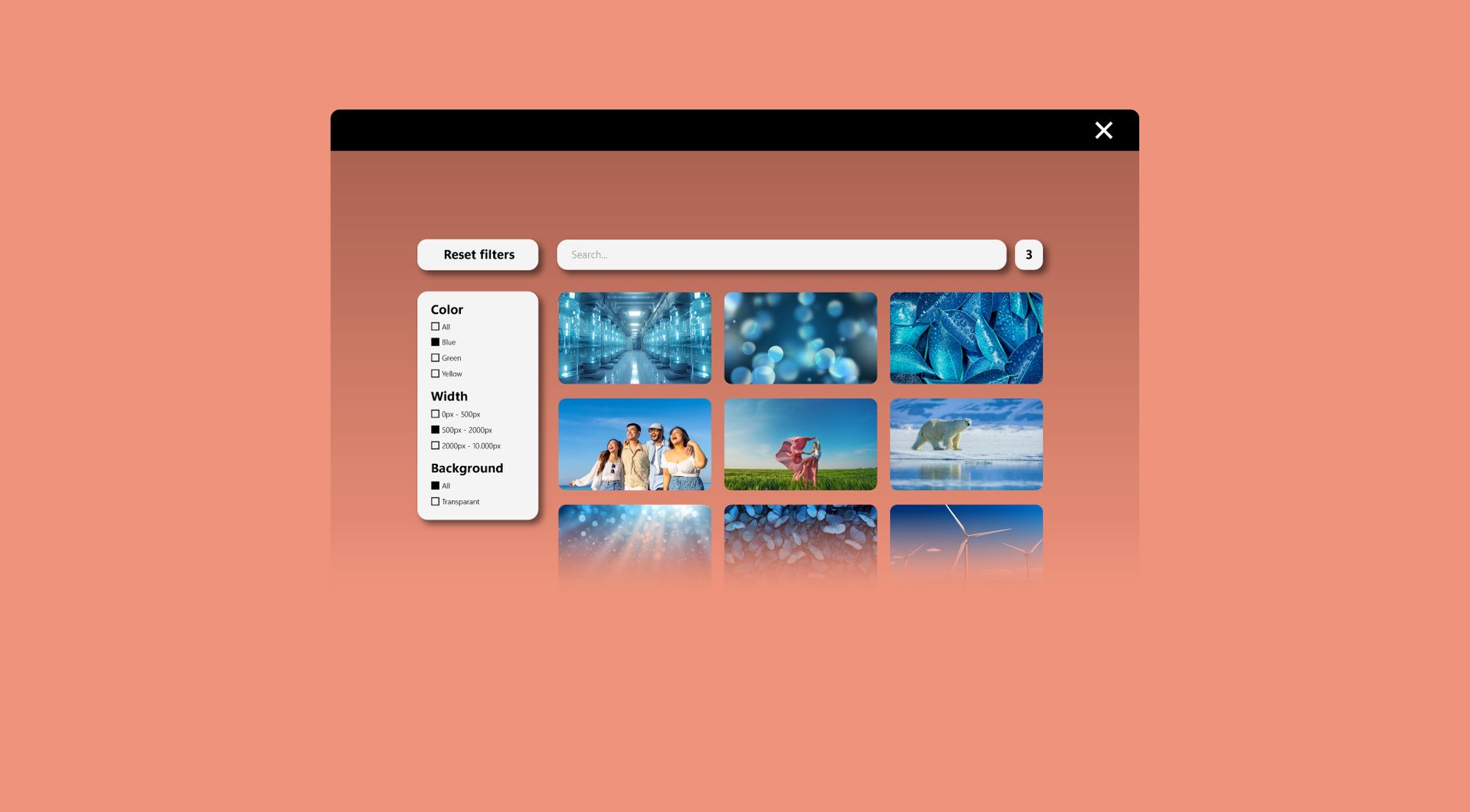
Filter widget
Allow users to filter products, services, or content by category, price, or other criteria. Make browsing fast and intuitive.
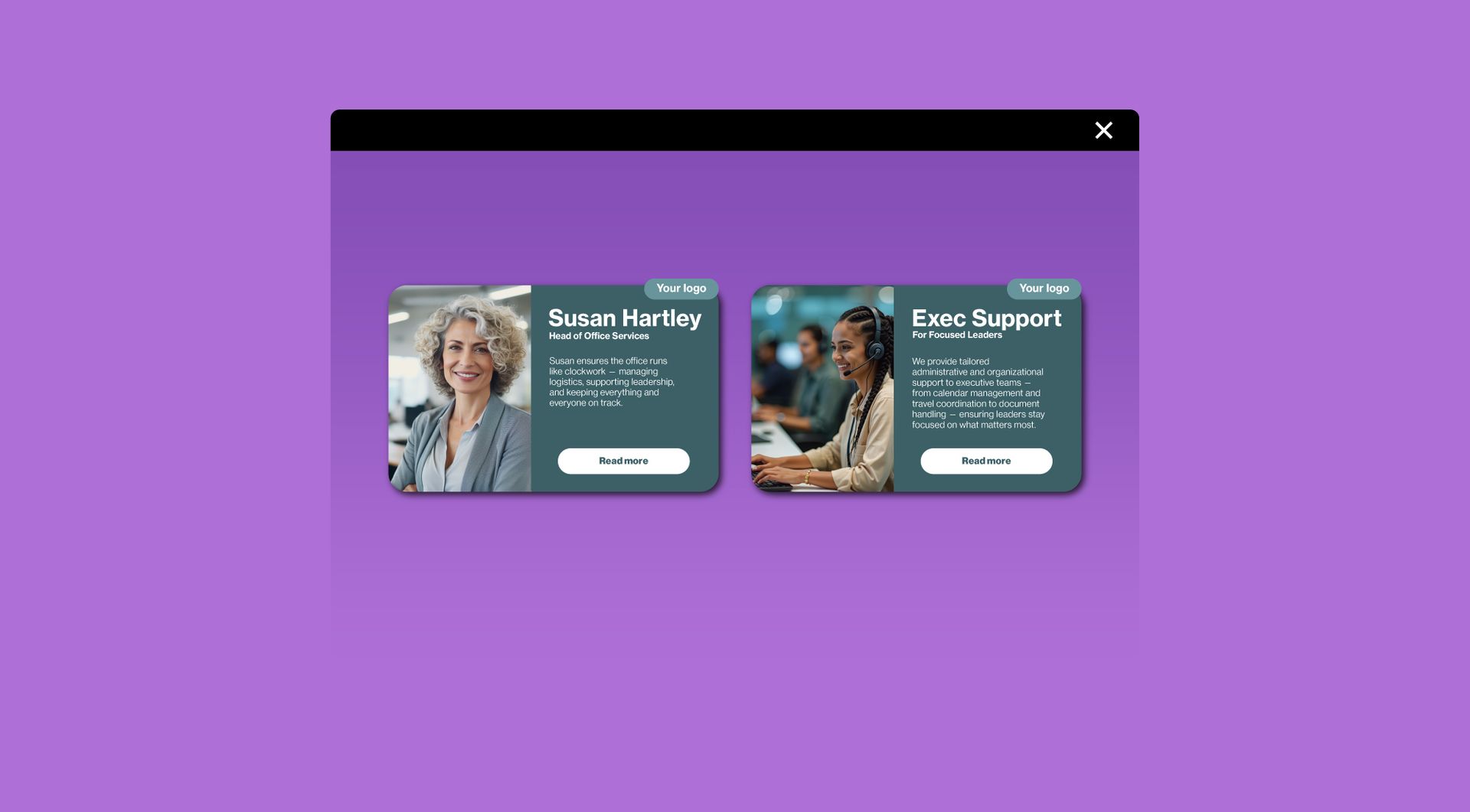
Card widget
Display information in stylish, clickable cards. Ideal for services, team members, or featured content.
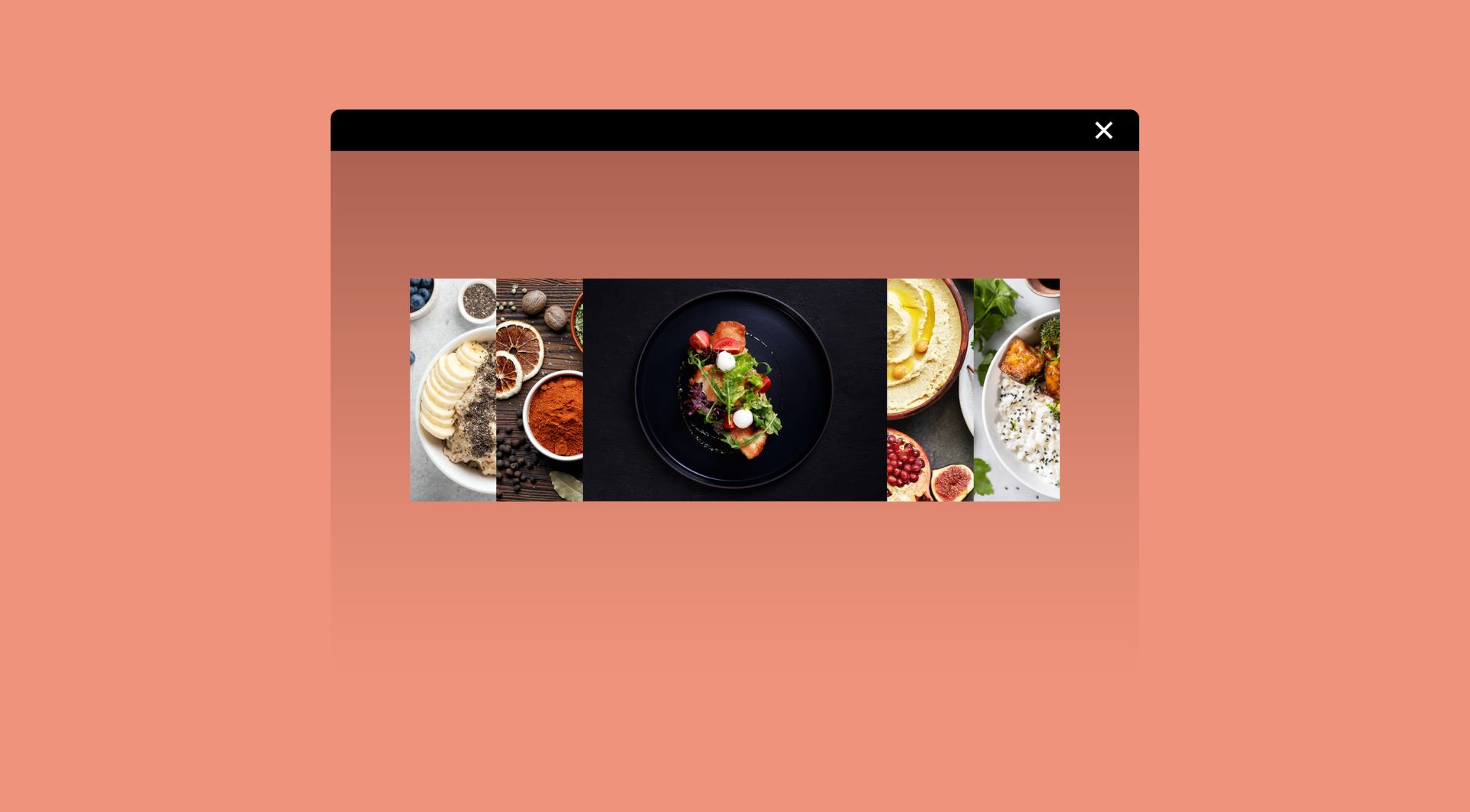
Image accordion
Show multiple images in a row that expand on hover. Add optional titles, descriptions, and buttons for extra impact.