Image accordion
Why use the Image accordion on your Duda website?
Make visual sections easier to scan
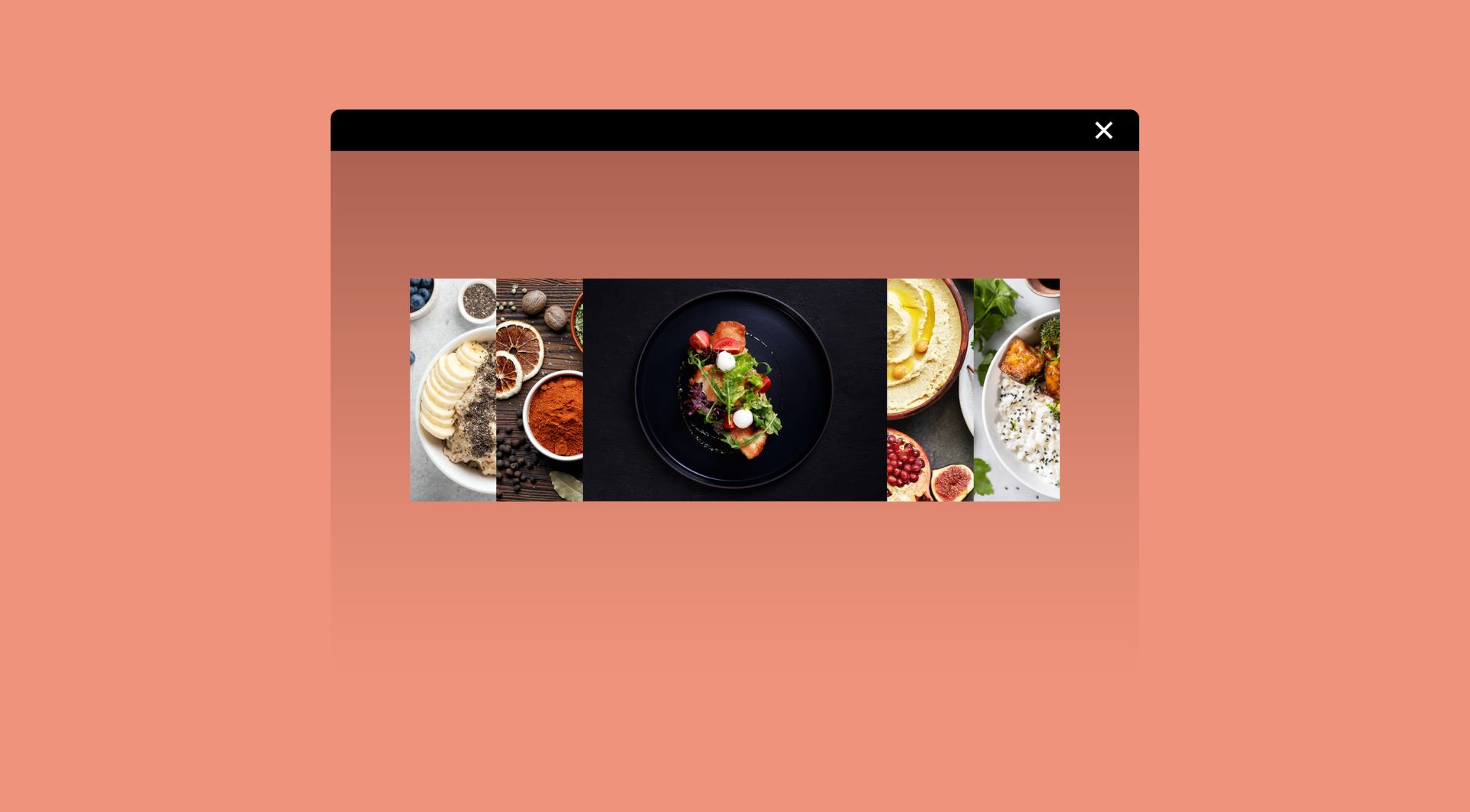
Large image sections can quickly take over a page. The Image Accordion widget lets visitors explore several visuals in one compact row, helping agencies present projects, categories, services or collections without creating long, image-heavy layouts.
Add interaction without custom development
Standard image blocks are useful, but they are not always enough for more interactive layouts. This widget adds hover-based image expansion, optional titles, descriptions and buttons, giving Duda users a more dynamic visual section without building custom code.
Guide visitors towards relevant content
Each accordion panel can support a specific topic, service, location, product group or portfolio item. When visitors hover over an image, they get more context and can be guided towards a page, form or CTA.
Reuse one flexible layout across client websites
Agencies often need similar visual sections for different clients. The Image Accordion widget gives them a reusable structure for portfolios, industries, team highlights, product categories, venues, case studies or visual service overviews.
Some frequently asked questions
What is the image accordion widget?
The Image Accordion widget shows multiple images next to each other. When a visitor hovers over an image, that image expands and can reveal extra content such as a title, description or button.When should I use an image accordion?
Use it when you want to show several images in a compact, interactive section. It works well for portfolios, services, industries, locations, product categories, galleries and visual navigation blocks.Can I add text to each image?
Yes. Based on the widget overview, the Image Accordion widget can include optional titles, descriptions and buttons for extra context and impact.Can the images link to other pages?
Yes, if buttons or clickable elements are configured. This makes the widget useful for guiding visitors to service pages, project pages, contact forms or landing pages.Is the widget fully customisable?
Yes. All goWIDGETS widgets are fully customisable, so the widget can be adapted to match the website design and brand style.Do I need a developer to use this widget?
No. You do not need a developer to use or install the widget.Can goWIDGETS help with installation?
Yes. If preferred, goWIDGETS can help with the installation.Can I use this widget on multiple Duda sites?
Yes. The widget can be used on all sites within your Duda account.
Explore related widgets
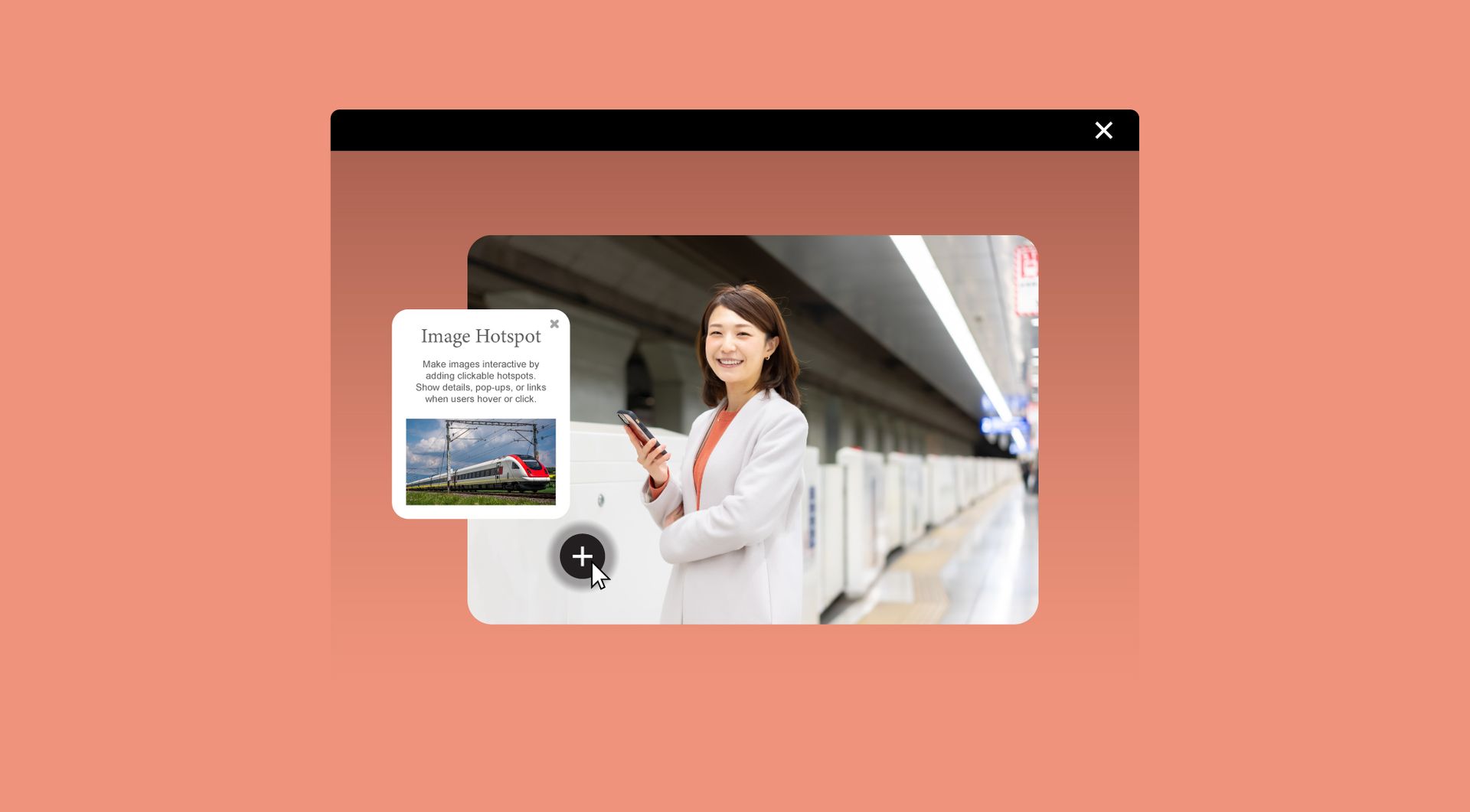
Image hotspot
Make images interactive by adding clickable hotspots. Show details, pop-ups, or links when users hover or click.
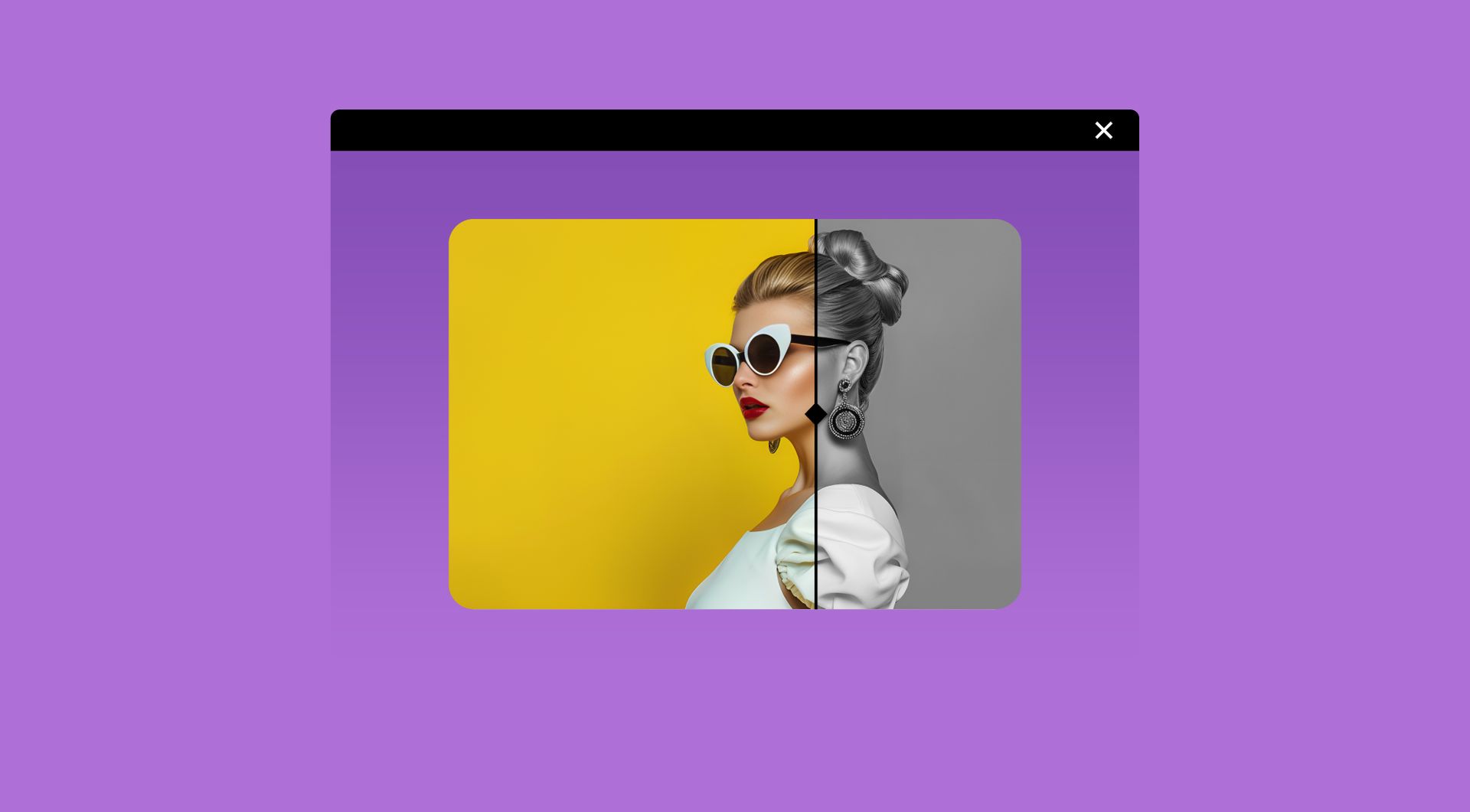
Before & after slider
Compare two images with a smooth, interactive slider. Let visitors easily see transformations, edits, or product results.
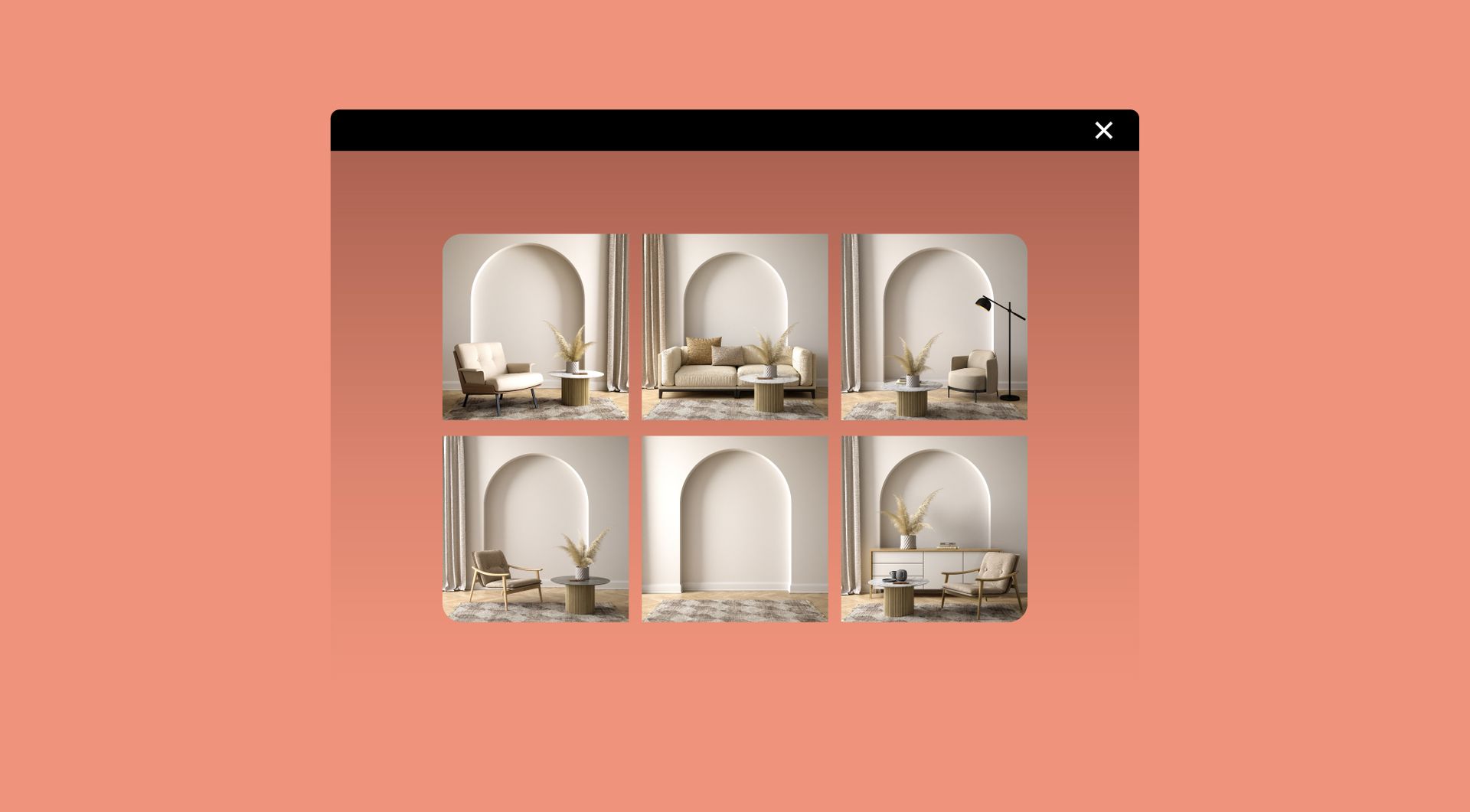
Image gallery
Showcase multiple images in a clean gallery layout. Let visitors browse, zoom, and enjoy your visuals.