Filter widget
Why use the Filter widget on your Duda website?

Help visitors find what they need faster
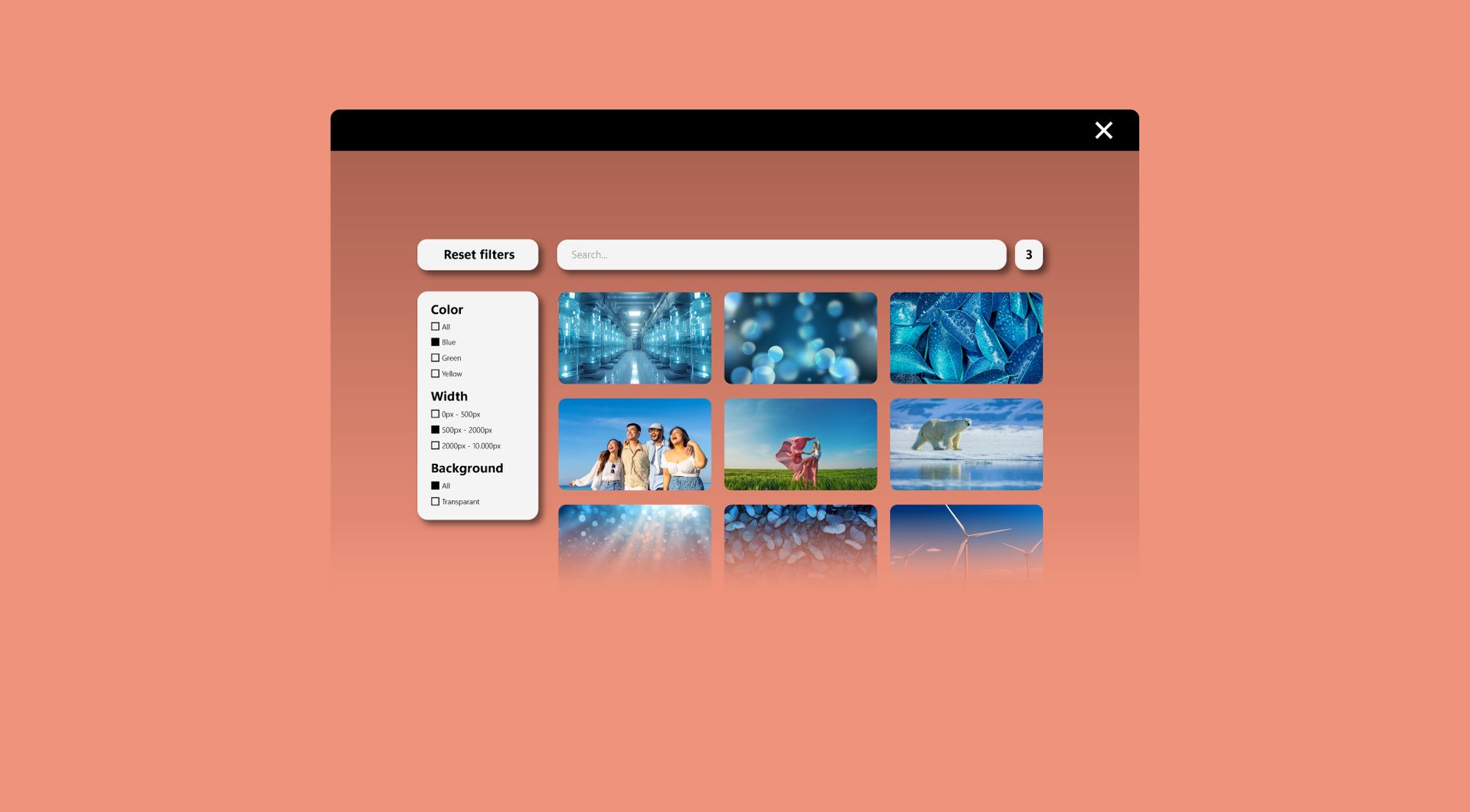
Large overviews can quickly become difficult to use. The Filter widget helps visitors search and filter within the widget itself, so they can quickly find the right product, service or content item without scrolling through everything manually.
Make products, services and content easier to compare
When a website contains multiple items, visitors need structure. This widget makes it easier to organise content by category, price or other relevant criteria. That helps users understand the offer faster and move through the page with less friction.

Avoid repeated custom solutions for filtering
For agencies and professional Duda users, filtering is a common client request. The Filter widget gives you a practical, reusable solution that can be used across all sites within your Duda account, without needing a developer to install or use it.

Keep long overview pages cleaner and easier to manage
A page with many products or content items can quickly feel crowded. The Filter widget keeps the structure cleaner by organising items into filterable groups instead of one long list, making the page easier to scan, maintain and scale over time.
Some frequently asked questions
Is this widget built specifically for Duda?
Yes. The Filter widget is built for Duda websites and is intended for Duda agencies, web design agencies, SaaS platforms using Duda, professional Duda users and website owners.
Can the widget be customised?
Yes. All goWIDGETS widgets are fully customisable. The Filter widget can be adapted to match the design, structure and content needs of your Duda website.
Do I need a developer to use this widget?
No. You do not need a developer to use or install the widget. The widget is designed to be practical for agencies and Duda users without requiring custom development.
Can goWIDGETS help with installation?
Yes. If needed, goWIDGETS can help with the installation of the widget.
Is this widget suitable for agencies?
Yes. The Filter widget is especially suitable for Duda agencies and web design agencies that regularly build websites with product overviews, service pages, directories, content libraries or other structured sections.
Can this widget be used on multiple websites?
Yes. The widget can be used on all sites within your Duda account.
What types of websites can use this widget?
The widget can be used on websites that need to display multiple products, services or content items. Examples include product catalogues, service overviews, portfolio pages, directories, location pages, event overviews and resource libraries.
How does search work within the widget?
Search works within the widget itself. Visitors can search for anything that is included within the widget, making it easier to find specific products, services or content items.
Can users filter by category, price or other criteria?
Yes. The widget can be used to let visitors filter content by category, price or other relevant criteria, depending on how the widget is set up.
How do I request this widget?
Click the “Get this widget” button to request the Filter widget. After your request, the widget will be sent to the email address you provide within one working day.
Explore related widgets
Card widget
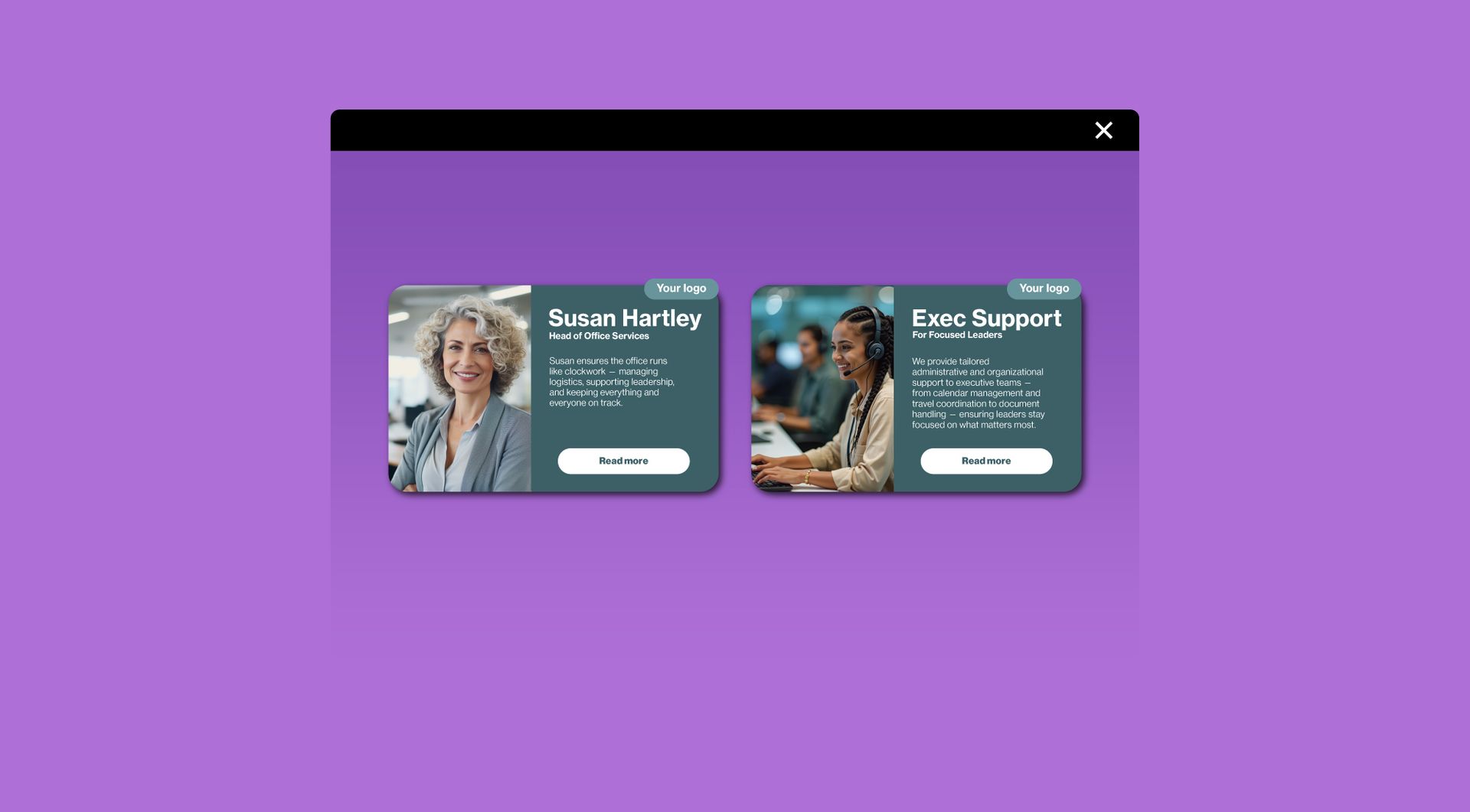
Use the Card widget to present products, services, team members, cases or other structured content in a clear visual format. This can work well together with filtering when content needs to be easy to scan.
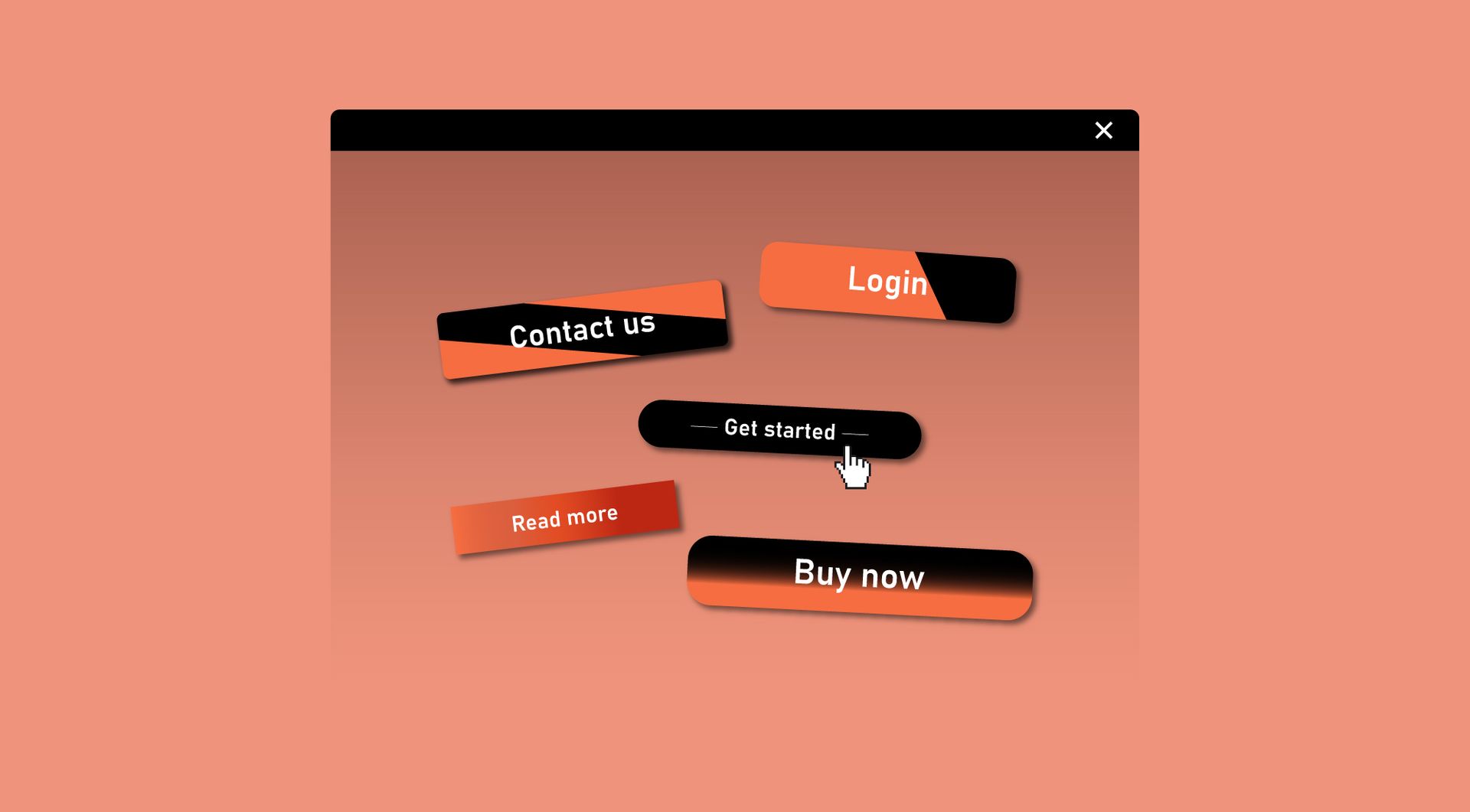
Custom button
Use the Custom Button widget to add clear actions to filtered content, such as “View product”, “Request quote”, “Book now” or “Learn more”.
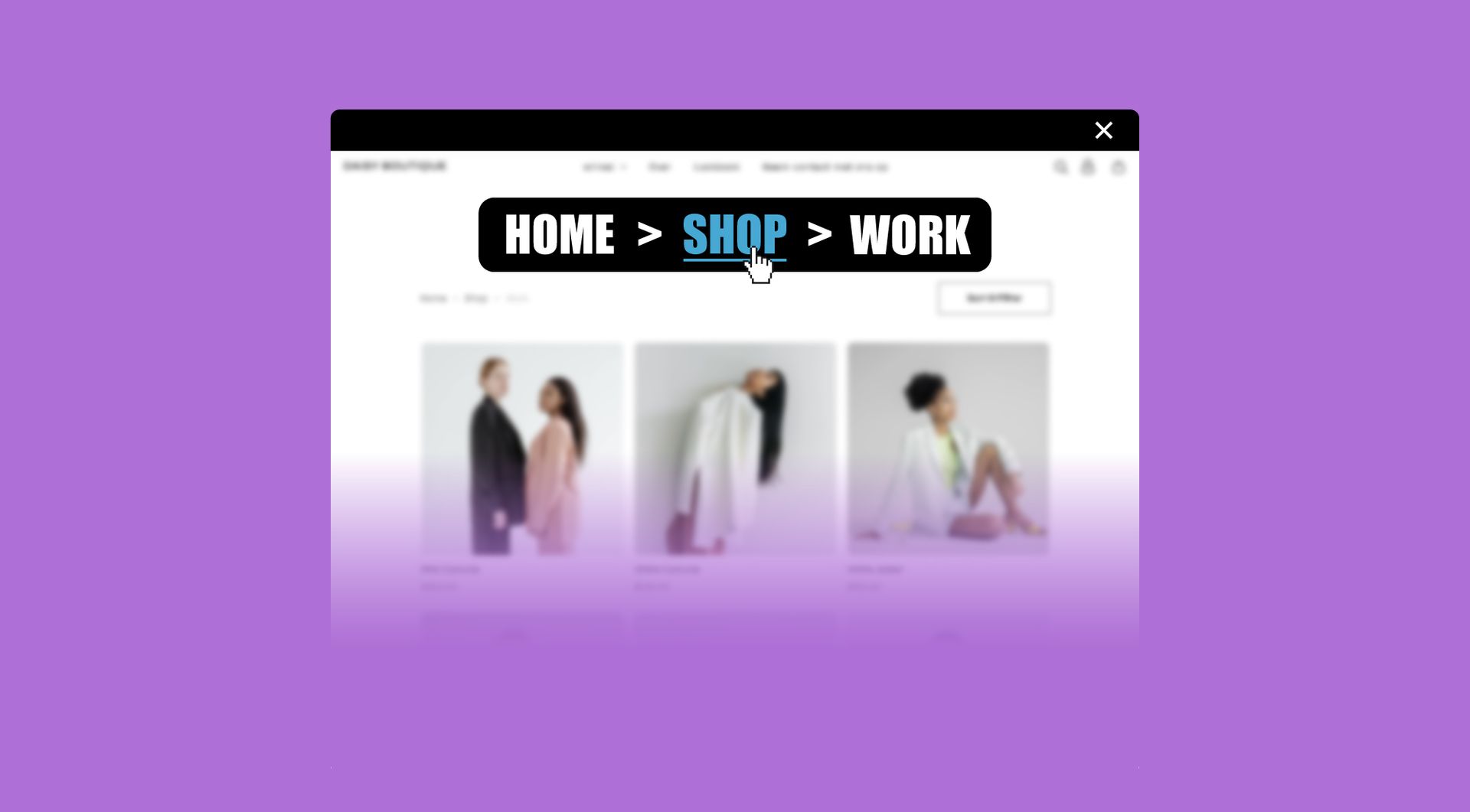
Automatic breadcrumb
Use the Automatic Breadcrumb widget to improve navigation on larger Duda websites. This can help visitors understand where they are, especially on websites with multiple content levels or detailed overview pages.