Before & after slider

Why use the Before & after slider on your Duda website?
Show visual results more clearly
A before and after slider helps visitors understand the difference between two situations in one clear visual. This is useful for renovations, restorations, design work, treatments, garden projects, cleaning services and other result-driven services.
Reduce the need for long explanations
Some results are easier to show than to describe. Instead of using multiple text blocks or separate image sections, agencies can use one interactive comparison to make the transformation easier to understand.
Create stronger project and case study pages
For agencies building Duda websites for service businesses, proof matters. The slider helps turn project pages, portfolio pages and case studies into more convincing pages by showing the result directly.
Avoid repeated custom work
Image comparison sections are often requested by clients in renovation, beauty, home improvement, automotive and creative sectors. This widget gives Duda agencies a reusable solution instead of rebuilding similar functionality for every project.
Some frequently asked questions
What is the before & after slider widget?
The Before & After Slider is a Duda widget that lets visitors compare two matching images by moving a slider across the image area.What can I use this widget for?
You can use it to show transformations, project results, improvements, restorations, designs, renovations, treatments, clean-ups or other visual comparisons.Do the two images need to be the same size?
For the best visual result, the before and after images should use the same dimensions and show the same subject from a similar angle.Can I customise the widget?
Yes. All goWIDGETS widgets are fully customisable, so the widget can be adjusted to match the style of the Duda website.Do I need a developer to use this widget?
No. You do not need a developer to use or install the widget.Can goWIDGETS help with installation?
Yes. If needed, goWIDGETS can help with the installation.Can I use this widget on multiple Duda websites?
Yes. The widget can be used on all sites within your Duda account.
Explore related widgets
Image slider
Showcase your images one at a time in a sleek slider. Let visitors browse manually or enjoy automatic transitions.

Back to top
Lets users quickly return to the top of a webpage with one click, enhancing navigation.
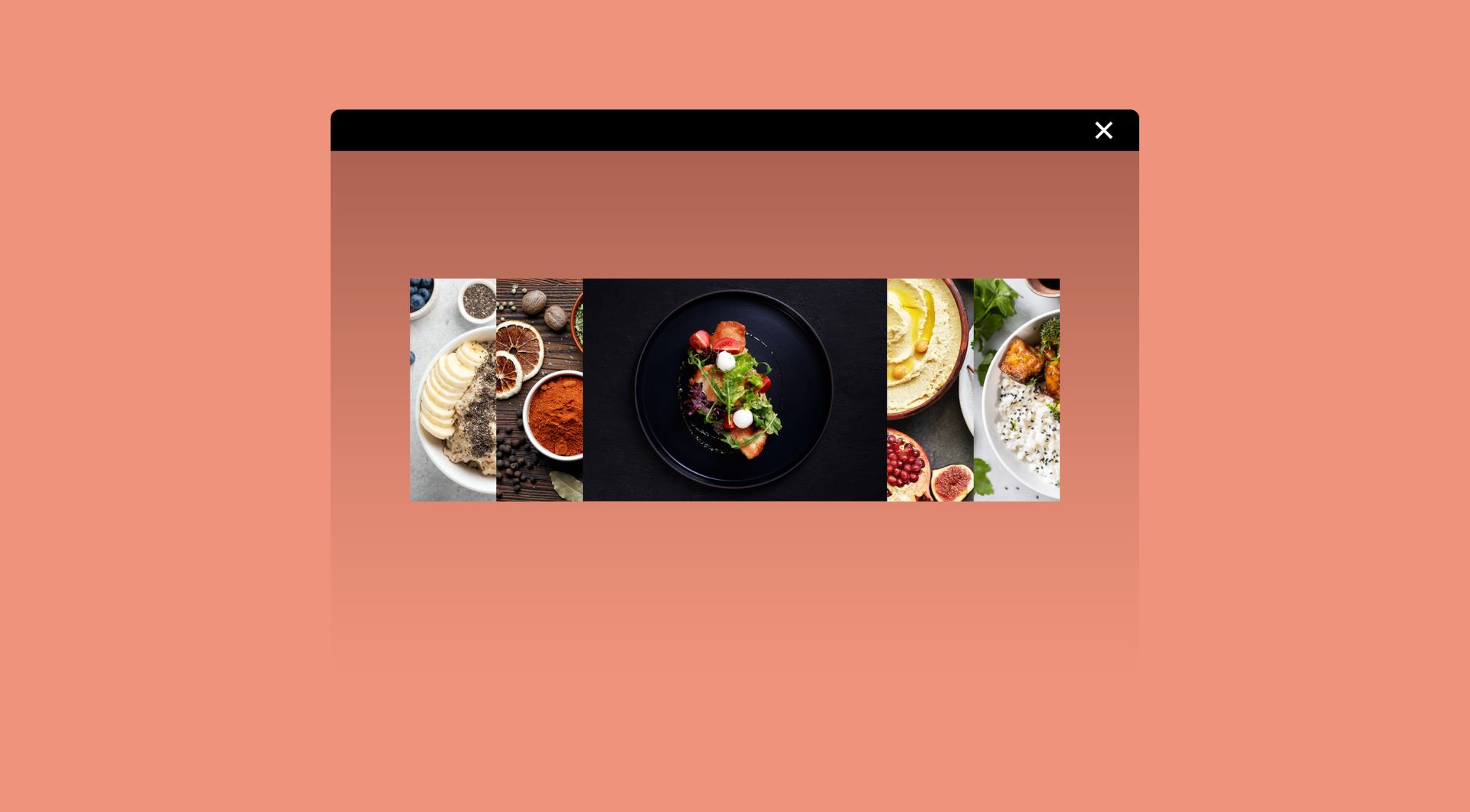
Image accordion
Show multiple images in a row that expand on hover. Add optional titles, descriptions, and buttons for extra impact.