Image gallery
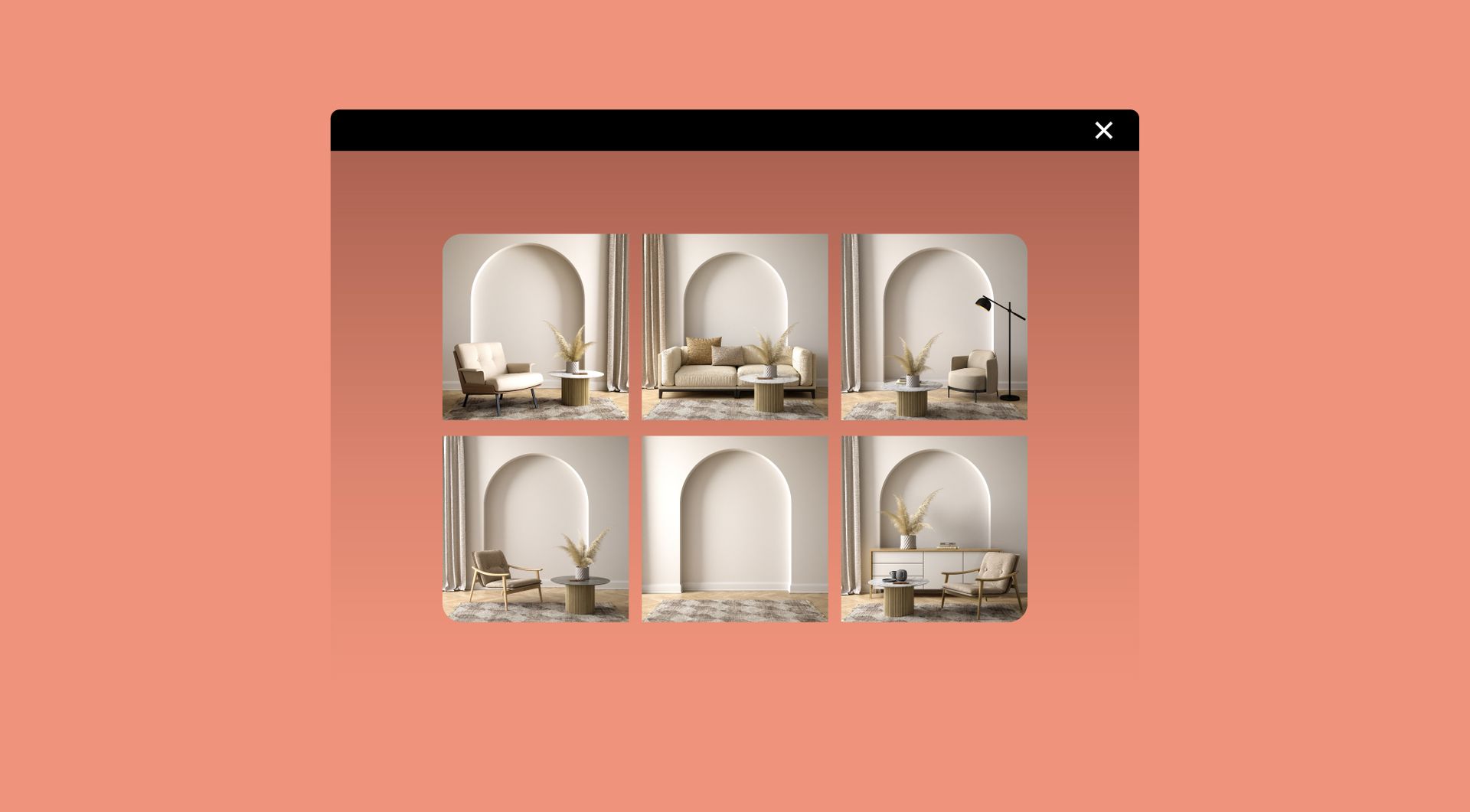
Why use the Image gallery on your Duda website?
Create stronger visual sections without custom layouts
Standard image sections can quickly become repetitive or hard to manage. This widget gives Duda agencies a practical way to present multiple images in a polished gallery format, without creating a custom layout from scratch for every client project.
Make image-heavy pages easier to scan
Portfolios, project overviews, product categories and inspiration pages can become cluttered when images are placed one below another. A gallery structure helps visitors browse visual content faster and understand what each image represents before they click further.
Add interaction with hover animations
Static image grids can feel flat. Hover animations give visitors a clearer visual cue that an image is interactive. This is especially useful when gallery items link to case studies, services, product pages, project details or other relevant content.
Guide users to the next relevant page
The image gallery is not only for presentation. Because images can include click-through behaviour, agencies can use the widget as a visual navigation block that supports browsing, improves content discovery and reduces unnecessary searching.
Some frequently asked questions
What is the image gallery widget for Duda?
The Image Gallery widget lets you display multiple images in a structured gallery on a Duda website, with hover animations and clickable image items.Who is this widget best suited for?
It is especially useful for Duda agencies, webdesign agencies, professional Duda users and businesses that want to present visual content more clearly.What problem does the image gallery widget solve?
It helps avoid messy image sections, repetitive custom gallery builds and unclear visual navigation. It gives agencies a reusable way to present images professionally across Duda sites.Can gallery images link to other pages?
Yes. The widget is designed to support click-through behaviour, so images can guide visitors to relevant pages, projects, services or content.Can I use hover animations in the gallery?
Yes. The widget includes hover animations, making the gallery feel more interactive and helping visitors understand that image items can be clicked.Do I need a developer to use this widget?
No. You do not need a developer to use or install the widget.Can goWIDGETS help with installation?
Yes. If needed, goWIDGETS can help with the installation.Can I use this widget on multiple Duda websites?
Yes. The widget can be used on all sites within your Duda account.
Explore related widgets
Image hotspot
Make images interactive by adding clickable hotspots. Show details, pop-ups, or links when users hover or click.

Card widget
Display information in stylish, clickable cards. Ideal for services, team members, or featured content.
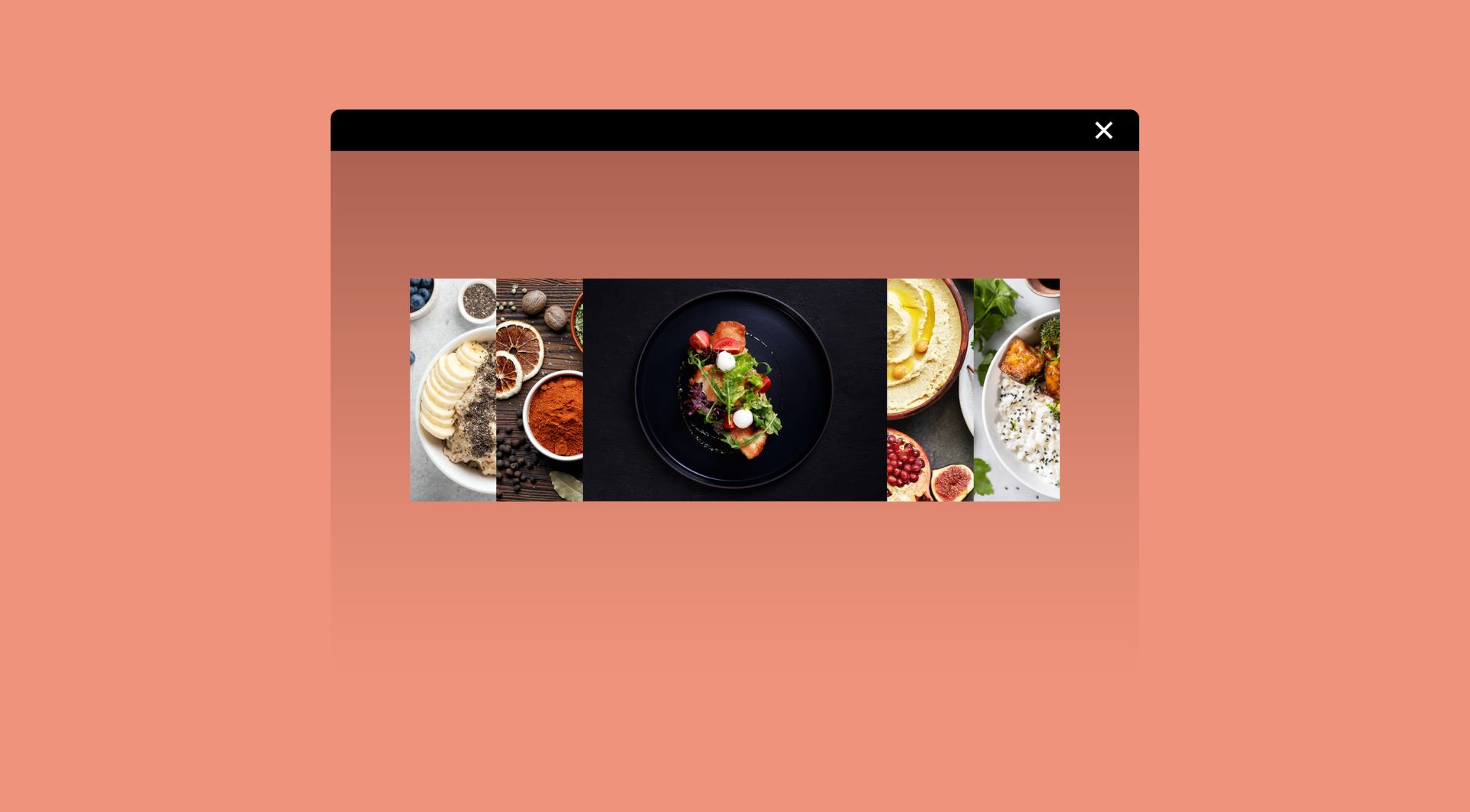
Image accordion
Show multiple images in a row that expand on hover. Add optional titles, descriptions, and buttons for extra impact.