Image hotspot

Why use the Image hotspot on your Duda website?
Turn static images into useful interaction
Static images often need extra explanation. The Image Hotspot Widget lets visitors click or hover on specific points to reveal relevant information. This helps agencies present products, rooms, gardens, showrooms or visual concepts without making the page feel crowded.
Reduce unnecessary text around visual content
When every detail needs its own paragraph, pages quickly become difficult to scan. Hotspots keep the image central while placing extra context exactly where it belongs. Visitors can explore the parts that interest them instead of reading through long explanatory sections.
Create clearer product and project presentations
For garden centres, interior projects, showrooms or visual portfolios, it helps to point directly at specific items. The widget can highlight materials, products, features or design choices inside the image, making visual storytelling more practical and easier to understand.
Avoid recurring custom development
Interactive image layouts are often requested by clients but can require custom work. This widget gives Duda agencies a reusable solution for adding hotspots to images across client projects, saving time when similar functionality is needed again.
Some frequently asked questions
What is the Image Hotspot Widget?
The Image Hotspot Widget is a Duda widget that lets you add clickable or hoverable hotspots to an image. Each hotspot can show extra information, details or links related to a specific part of the image.What problem does this widget solve?
It solves the problem of explaining visual content without adding too much text around the image. Visitors can interact with the image and view details only when they need them.What types of websites can use this widget?
It is useful for woonwinkels, garden centres, interior designers, architects, product pages, showrooms, real estate pages, project portfolios and any Duda website where visual explanation matters.Can hotspots be used to show product information?
Yes. Hotspots can be used to explain specific products in an image, such as furniture, plants, materials, decorations or design features.Can hotspots link to other pages?
Yes, the widget can be used to guide visitors to relevant pages, products, services or forms.Is the widget fully customisable?
Yes. All goWIDGETS widgets are fully customisable, so the widget can be adjusted to match the style and layout of the Duda website.Do I need a developer to use this widget?
No. You do not need a developer to use or install the widget. If needed, goWIDGETS can also help with the installation.Can I use this widget on multiple Duda websites?
Yes. The widget can be used on all sites within your Duda account.
Explore related widgets
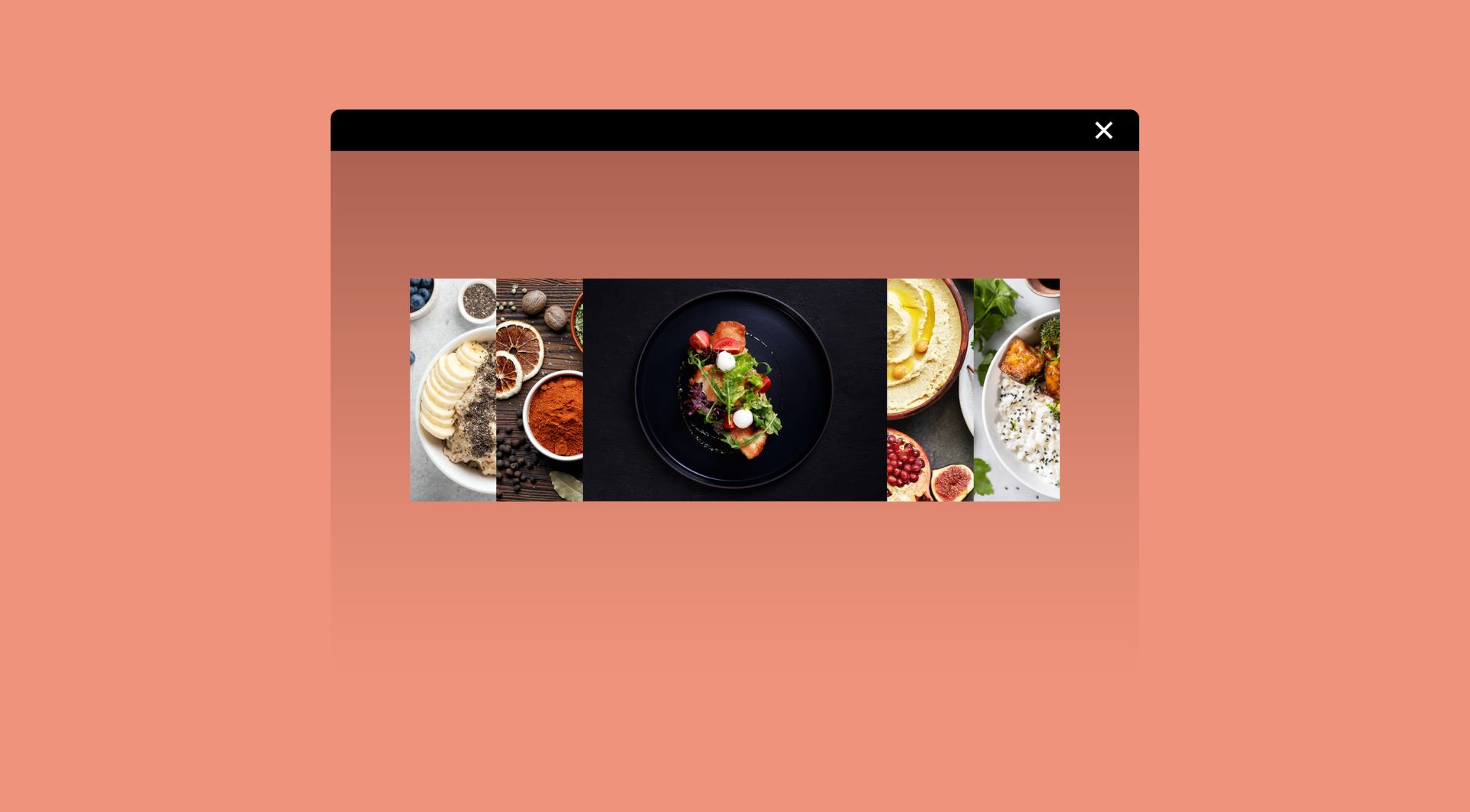
Image accordion
Show multiple images in a row that expand on hover. Add optional titles, descriptions, and buttons for extra impact.

Card widget
Display information in stylish, clickable cards. Ideal for services, team members, or featured content.
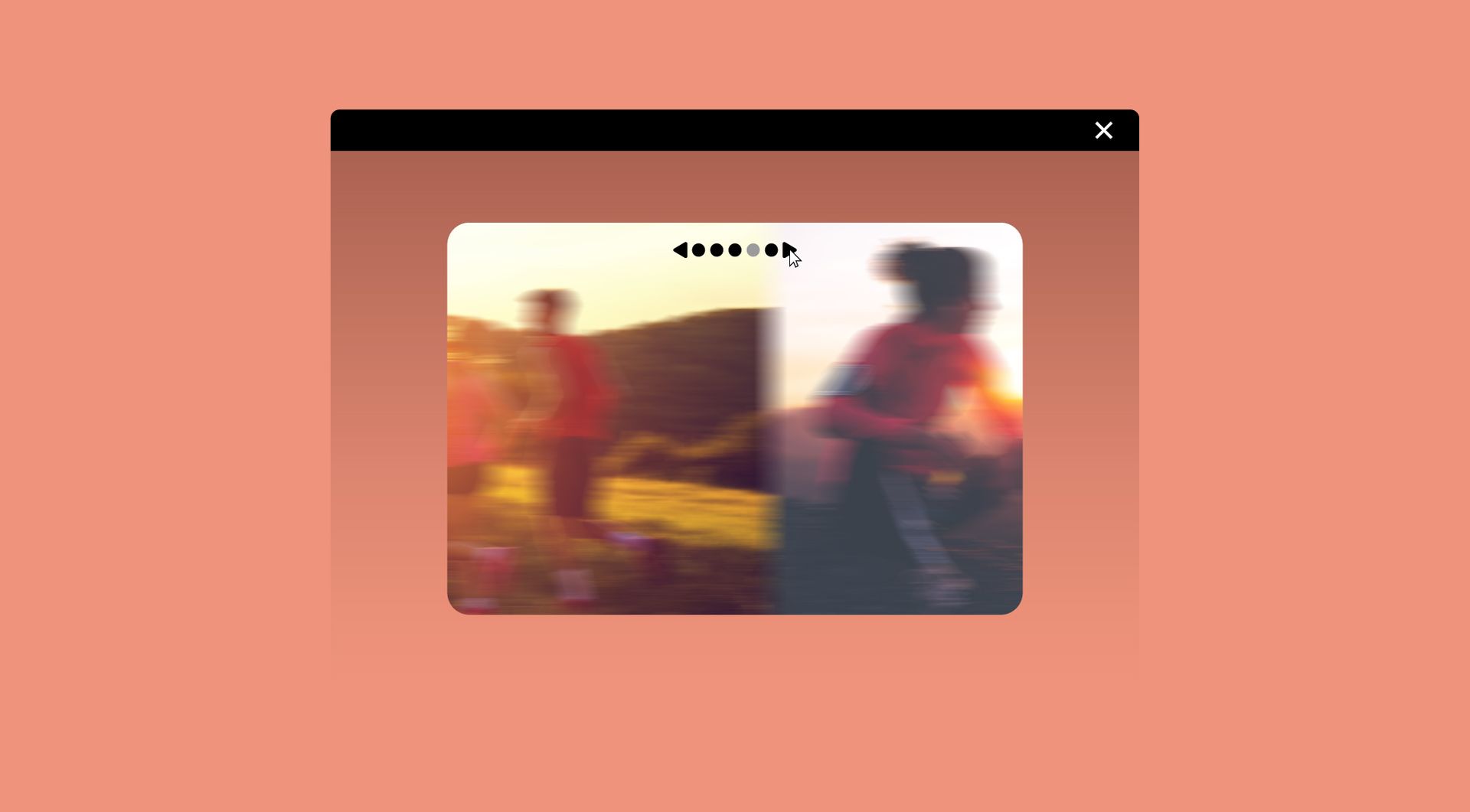
Image slider
Showcase your images one at a time in a sleek slider. Let visitors browse manually or enjoy automatic transitions.