Custom map
Why use the Custom map on your Duda website?
Make multiple locations easier to understand
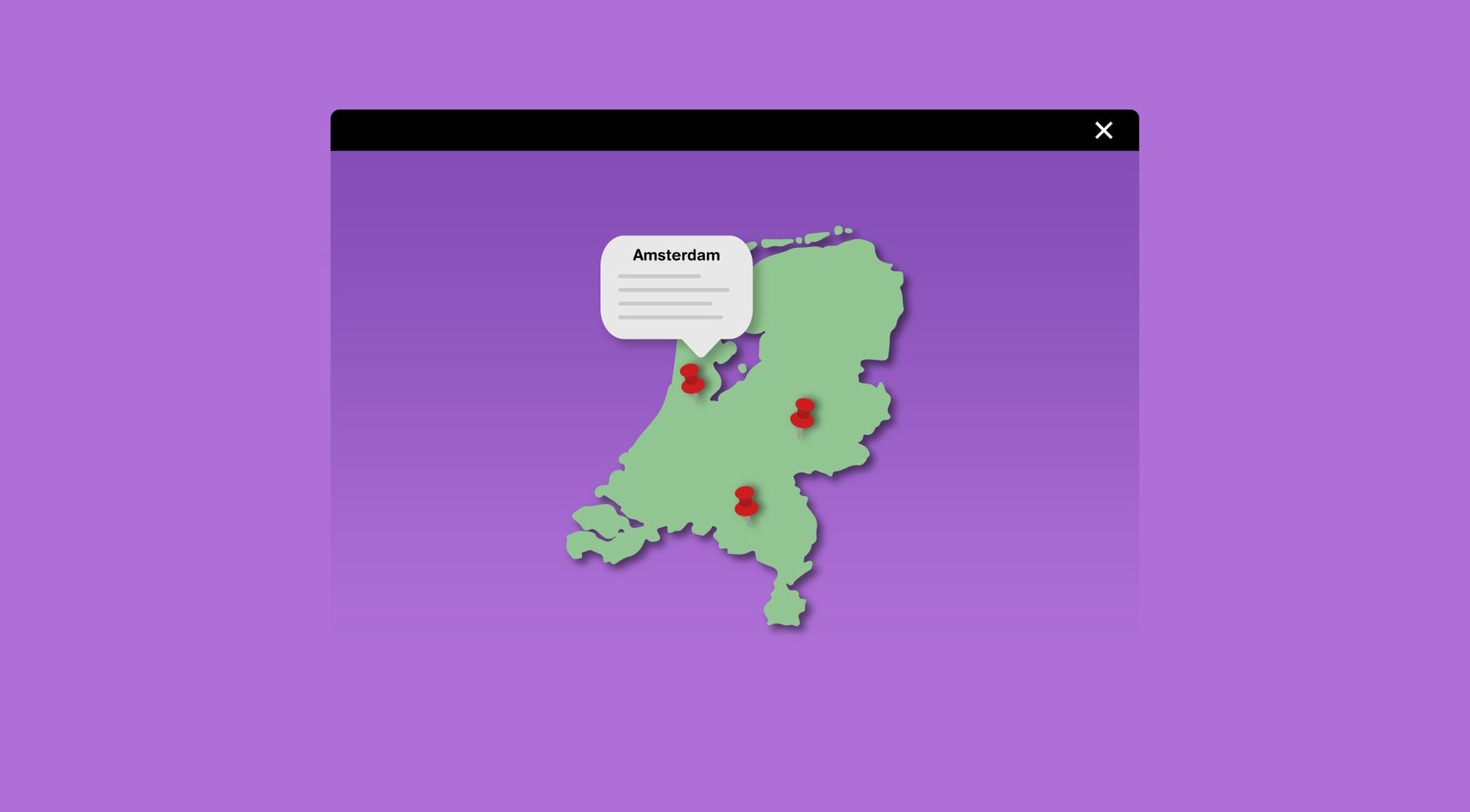
Long lists of branches, projects or service areas are hard to scan. The Custom Map widget turns location-based content into a clear visual overview, helping visitors quickly understand where a business is active and which locations are relevant to them.
Avoid repeated custom map work
Agencies often receive similar map requests across different Duda projects. This widget provides a reusable solution for showing multiple locations or projects, reducing the need to rebuild custom map layouts or rely on inconsistent workarounds for each client website.
Present projects and branches in a more visual way
A map can make completed projects, offices or regional coverage easier to interpret than text alone. This is useful for agencies building websites for contractors, service businesses, franchises, networks or organisations that need to show where their work or locations are.
Improve navigation within location-based content
When a website contains many locations or projects, visitors can lose time scrolling or searching manually. A custom map gives them a more direct way to explore location-based content and helps agencies create a clearer browsing experience for professional Duda websites.
Some frequently asked questions
What is the Custom Map widget for Duda?
The Custom Map widget is a goWIDGETS widget for Duda websites that lets you display multiple locations, projects, regions or areas on a custom map.
Who is this widget mainly built for?
It is mainly built for Duda agencies, webdesign agencies, SaaS-platforms using Duda and professional Duda users who need a practical way to show location-based information.
What problem does the Custom Map widget solve?
It helps websites show multiple locations or projects in a clear visual way, instead of relying on long text lists, repeated content blocks or custom-built map solutions.
Can I use the widget for completed projects?
Yes. The widget can be used to show completed projects directly on a map, for example by adding markers for project locations.
Can I use the widget for multiple branches or offices?
Yes. The widget is suitable for businesses with multiple branches, offices, service areas or other location-based points.
Is the Custom Map widget fully customisable?
Yes. All goWIDGETS widgets are fully customisable, so the widget can be adjusted to match the website and use case.
Do I need a developer to use or install this widget?
No. You do not need a developer to use or install the widget.
Can goWIDGETS help with installation?
Yes. If needed, goWIDGETS can help with the installation of the widget.
Can I use this widget on multiple Duda websites?
Yes. The widget can be used on all sites within the customer’s Duda account.
How do I request the Custom Map widget?
You can request the widget by clicking the Get this widget button. After the request, the widget will be sent to the provided email address within 1 working day.
Explore related widgets
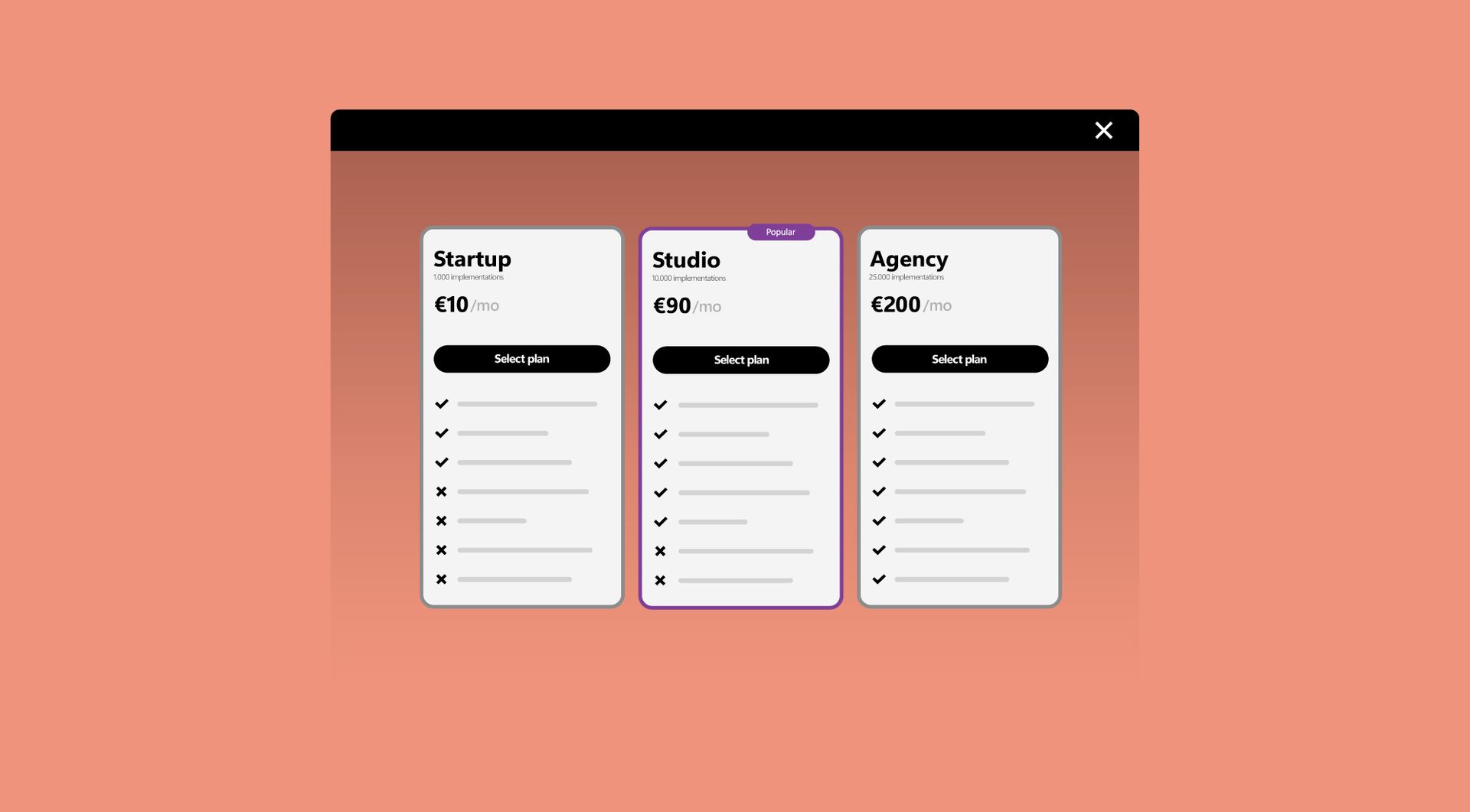
Subscription table
Display your pricing or subscription plans in a clear comparison table. Help visitors choose the option that best fits their needs.
Contact block
Organize your contact page or header with the contact block.

Image hotspot
Make images interactive by adding clickable hotspots. Show details, pop-ups, or links when users hover or click.