Why use the Contact block on your Duda website?
Keep important details easy to scan
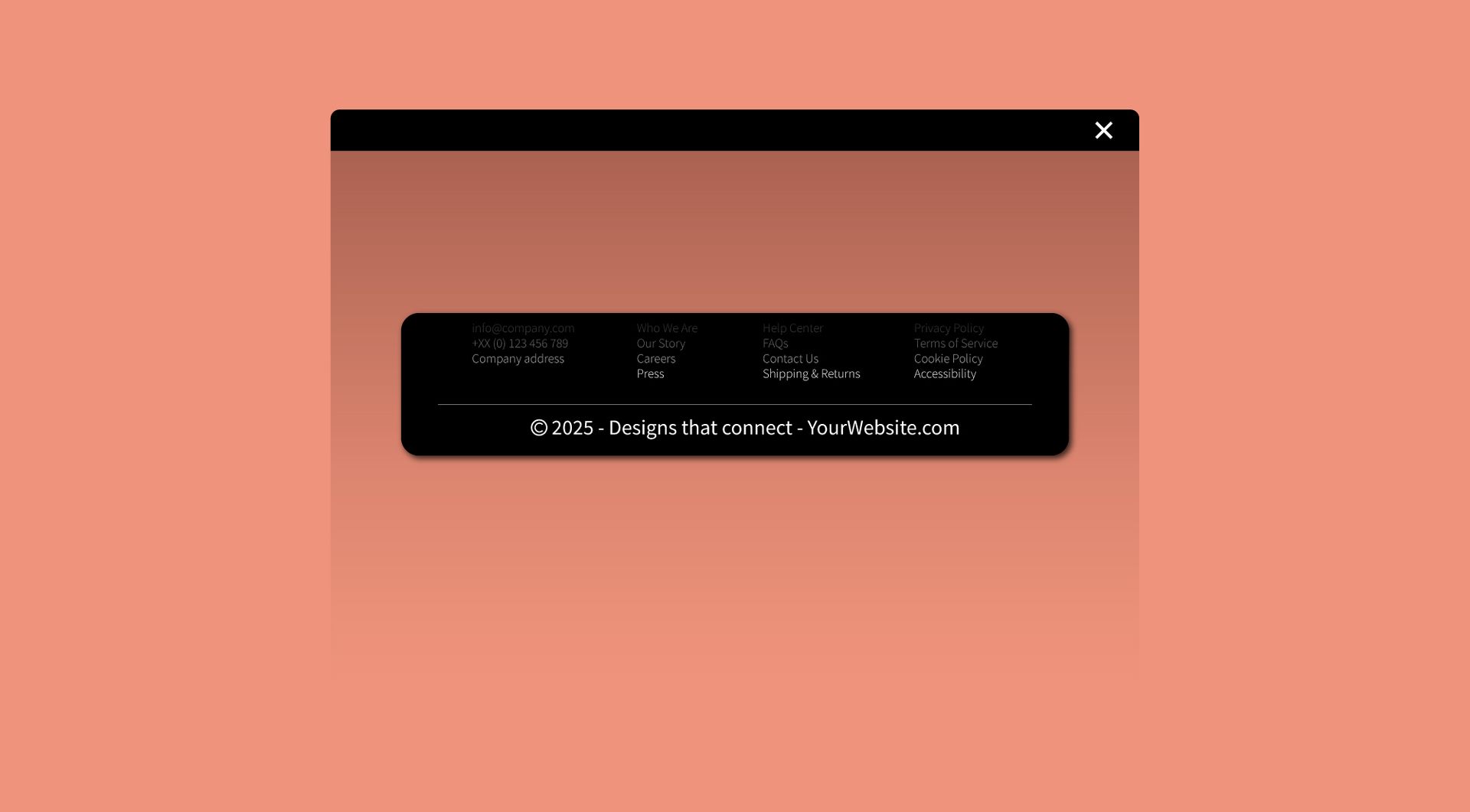
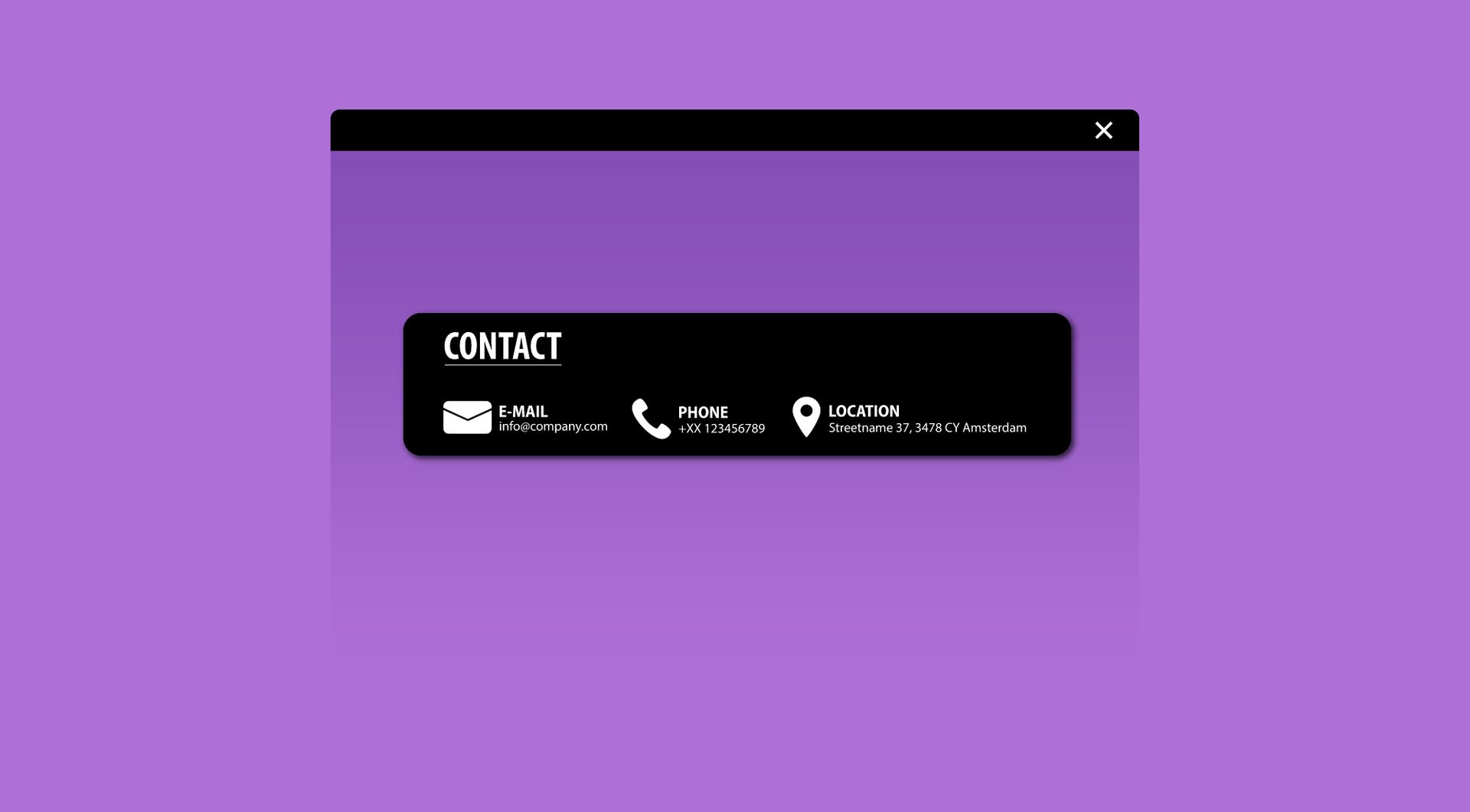
Contact information often gets spread across different parts of a page. This widget helps agencies present phone numbers, email addresses, opening hours, locations or useful links in one structured multi-column block.
Reduce repetitive custom styling
Agencies often need similar contact or information sections across multiple client websites. The Contact Block widget gives you a reusable layout that can be adapted per project without rebuilding the same section from scratch.
Improve usability on service pages
Visitors should not have to search for the right contact option. Use the widget to show department links, location details, support options or enquiry routes clearly next to or below each other.
Use it for more than contact details
The widget can also work well for USPs, quick links, store information, service highlights or practical business details. This makes it useful across homepages, contact pages, landing pages and footer sections.
Some frequently asked questions
What is the Contact Block widget for Duda?
The Contact Block widget is a multi column widget for Duda websites. It helps you display several contact details, links, USPs or short information blocks in a clear visual section.What problem does this widget solve?
It prevents important contact details or quick links from becoming messy, hidden or inconsistent across pages. Agencies can use it to create clear, reusable contact sections for different clients.Can I use the widget for USPs instead of contact details?
Yes. You can use it for phone numbers, email addresses, addresses, opening hours, service points, USPs, quick links or other short pieces of information.Is the widget suitable for agencies?
Yes. The widget is built for Duda agencies and professional users who need reusable sections that can be adapted across multiple client websites.Can I customise the design?
Yes. All goWIDGETS widgets are fully customisable, so the Contact Block widget can be adjusted to match the style of the website.Do I need a developer to use this widget?
No. You do not need a developer to use or install the widget.Can goWIDGETS help with installation?
Yes. If needed, goWIDGETS can help with the installation.Can I use the widget on multiple Duda websites?
Yes. The widget can be used on all sites within your Duda account.
Explore related widgets
Custom button
Card widget