Subscription table
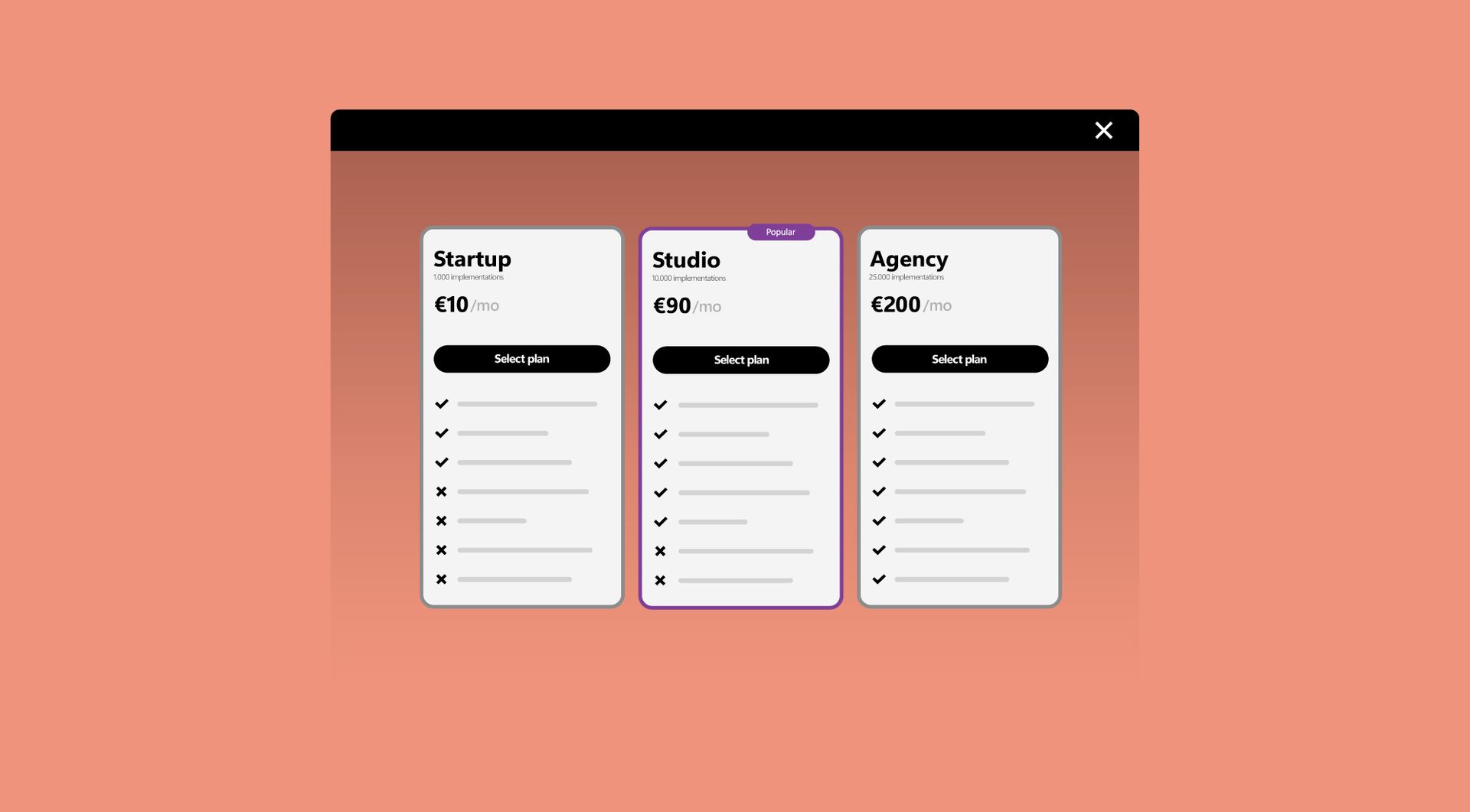
Why use the Subscription table on your Duda website?
Make subscription plans easier to compare
When plans are spread across long sections, visitors need more effort to understand the differences. A subscription table puts key options side by side, making features, plan levels and choices easier to scan for both visitors and clients.
Reduce confusion on pricing and package pages
Unclear plan pages can make visitors hesitate. This widget helps organise subscription information in a logical table, so users can quickly see what is included, compare options and move closer to choosing the right plan.
Avoid repeated custom layouts for every plan table
Agencies often need similar plan tables for different clients or campaigns. This widget gives them a reusable Duda solution, reducing manual layout work while keeping the subscription overview professional, structured and easy to adapt.
Support better decision-making without adding clutter
A good plan page should guide visitors, not overwhelm them. By showing subscription options in a structured table, the page becomes easier to scan and less dependent on long explanations, especially when multiple packages or service levels are involved.
Some frequently asked questions
What is the Subscription Table widget for Duda?
The Subscription Table widget helps you display subscription plans, pricing options or service packages in a clear comparison table on a Duda website.
Who is this widget useful for?
It is useful for Duda agencies, webdesign agencies, SaaS platforms using Duda, professional Duda users and businesses that need to present plans or packages clearly.
Can I use it for more than subscription plans?
Yes. The widget can also be used for pricing packages, service tiers, membership levels, retainers or any offer where visitors need to compare options.
Is the widget fully customisable?
Yes. All goWIDGETS widgets are fully customisable, so the Subscription Table widget can be adjusted to match the website’s design and content structure.
Can the Subscription Table widget be connected to a collection?
Yes. The Subscription Table widget can be connected to a Duda collection, making it easier to manage subscription plans, pricing options or package details from structured content instead of updating each item manually.
Do I need a developer to use or install this widget?
No. You do not need a developer to use or install the widget.
Can goWIDGETS help with installation?
Yes. If needed, goWIDGETS can help with the installation.
Can I use the widget on multiple Duda sites?
Yes. The widget can be used on all sites within the customer’s Duda account.
How do I request this widget?
Click the Get this widget button and complete the request. After the request, the widget will be sent to the provided email address within 1 working day.
Which types of websites can benefit from this widget?
It is especially relevant for websites that sell subscriptions, packages, plans, memberships, SaaS products, service levels or recurring services.
Explore related widgets
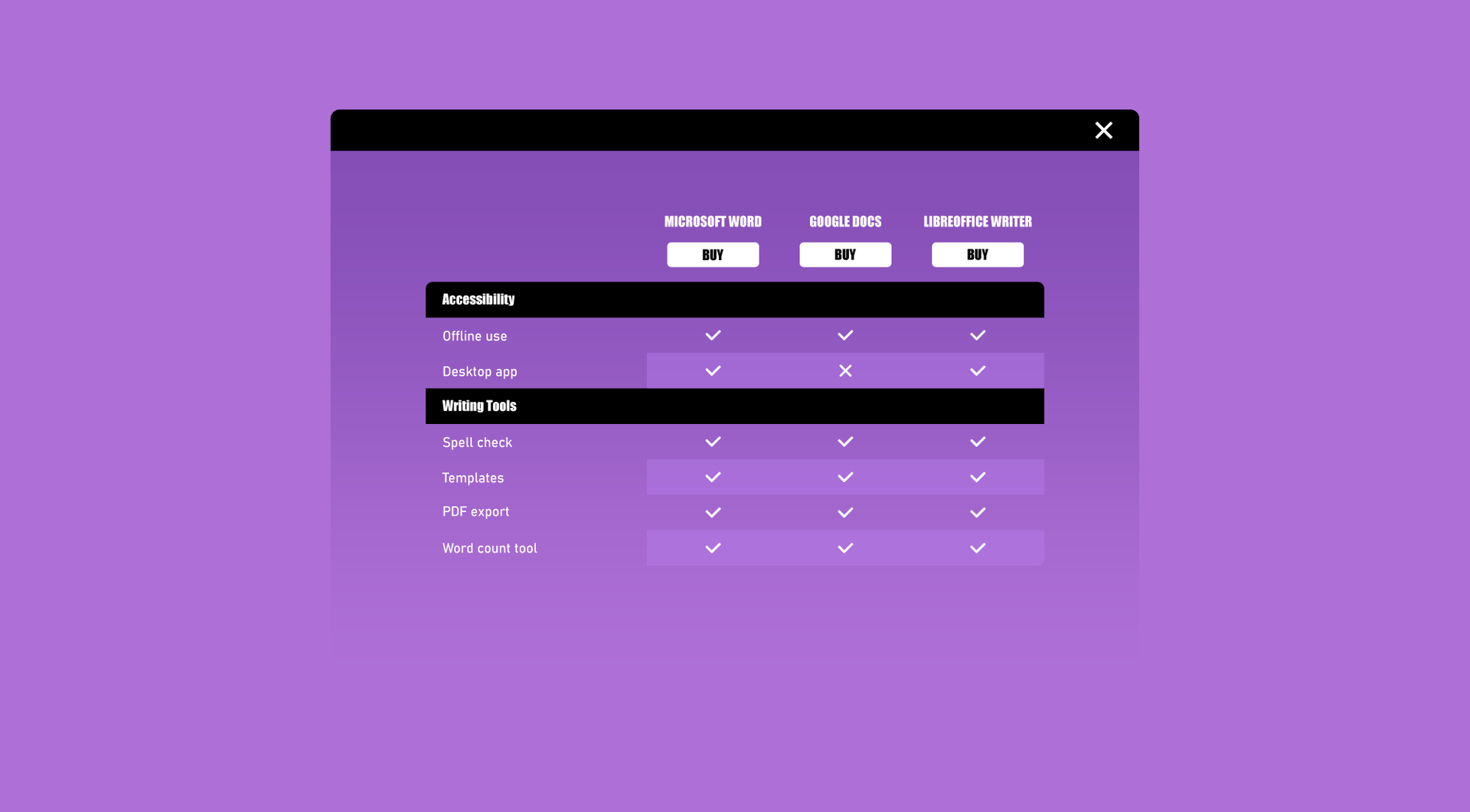
Comparison table
Help visitors quickly compare products, services or options in a clear table, making choices easier and more conversion-focused.
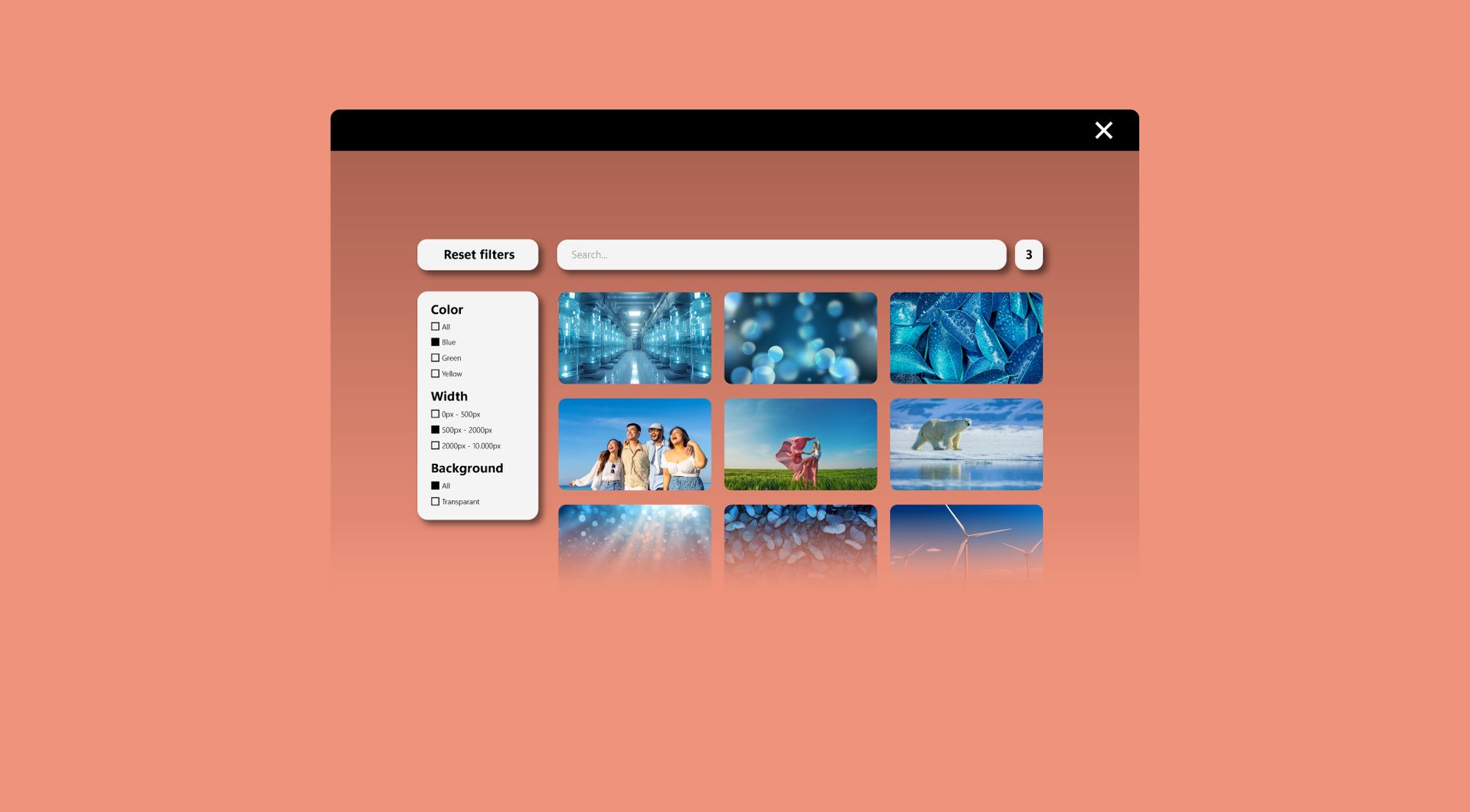
Filter widget
Allow users to filter products, services, or content by category, price, or other criteria. Make browsing fast and intuitive.
Optional section
Make dynamic pages more dynamic! Show or hide a section of your site based on conditions or preferences. Keep your layout flexible and personalized.