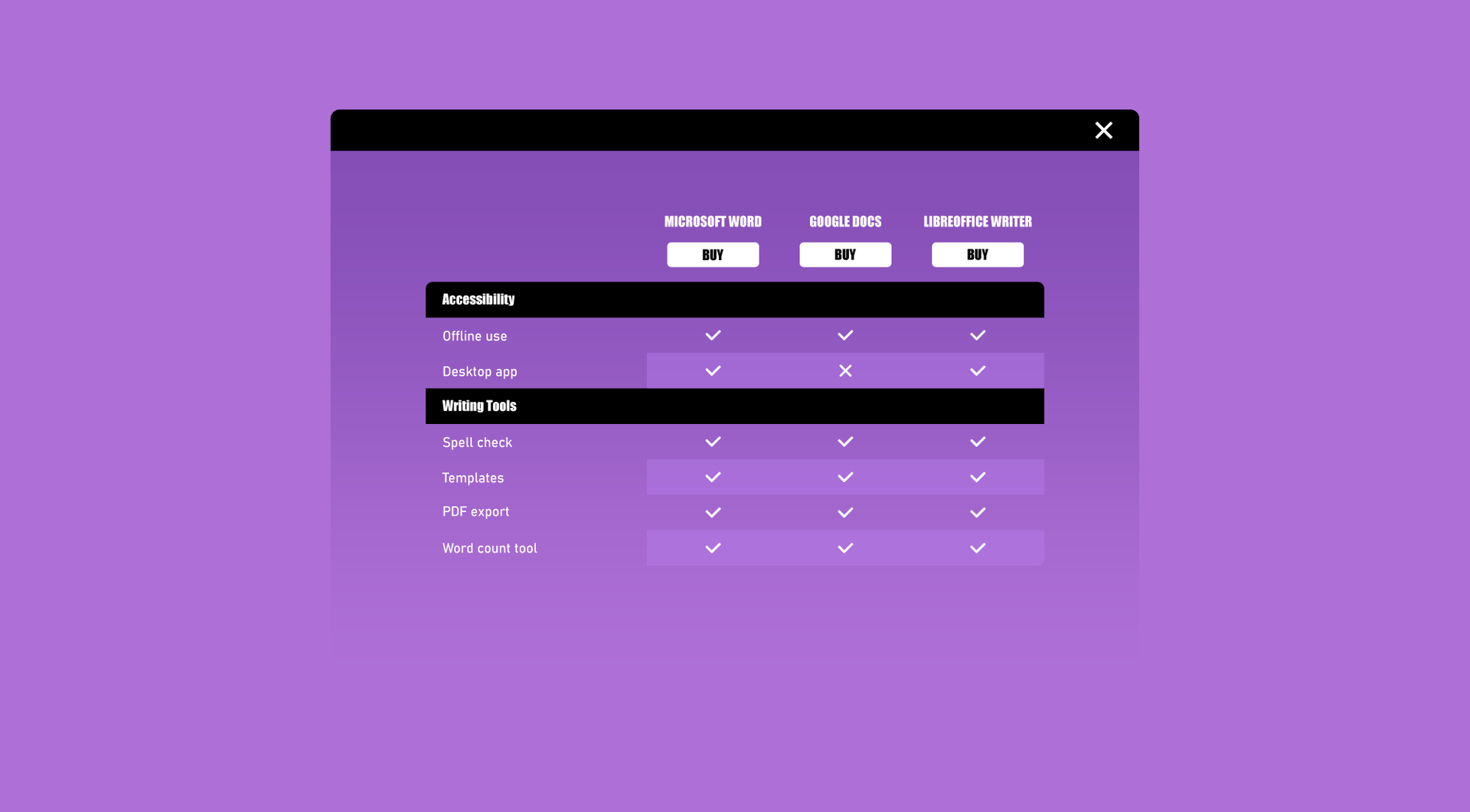
Comparison table
Help visitors quickly compare products, services or options in a clear table, making choices easier and more conversion-focused.
Why use the Comparison table on your Duda website?
Make packages easier to compare
When packages contain different features, visitors can quickly lose track of what is included. The Comparison Table widget presents package content side by side, making differences easier to understand and reducing confusion before a visitor takes action.
Reduce repeated custom table work
Agencies often need comparison sections for pricing pages, service pages or product bundles. This widget gives teams a reusable structure for Duda websites, helping avoid repeated manual layouts for every new comparison table.
Improve decision-making on service pages
If visitors need to compare several options, unclear content can slow down their decision. A structured comparison table helps them scan features, understand value and choose the package or service that fits their needs.
Keep complex information organised
Long text blocks and stacked content can make comparisons difficult, especially on pages with multiple offers. This widget helps organise feature lists, package details and service differences into a clearer format for professional Duda websites.
Some frequently asked questions
What is the Comparison Table widget for Duda?
The Comparison Table widget helps you display packages, plans, services or feature sets in a clear table format on a Duda website.
Who is this widget made for?
It is made for Duda agencies, webdesign agencies, SaaS-platforms using Duda, professional Duda users and businesses that need clearer package comparisons on their website.
What problem does the widget solve?
It helps visitors compare the content of different packages more easily, instead of reading separate text blocks or scrolling between multiple sections.
Is the Comparison Table widget fully customisable?
Yes. All goWIDGETS widgets are fully customisable, so the table can be adjusted to match the website’s layout, branding and content needs.
Can the widget be connected to a Duda collection?
Yes, the widget can be connected to a collection where this is supported by the widget setup. This can be useful when package or comparison content needs to be managed more efficiently.
Do I need a developer to install or use the widget?
No. You do not need a developer to use or install the widget.
Can goWIDGETS help with installation?
Yes. If desired, goWIDGETS can help with the installation of the widget.
Can I use this widget on multiple Duda sites?
Yes. The widget can be used on all sites within the customer’s Duda account.
Explore related widgets
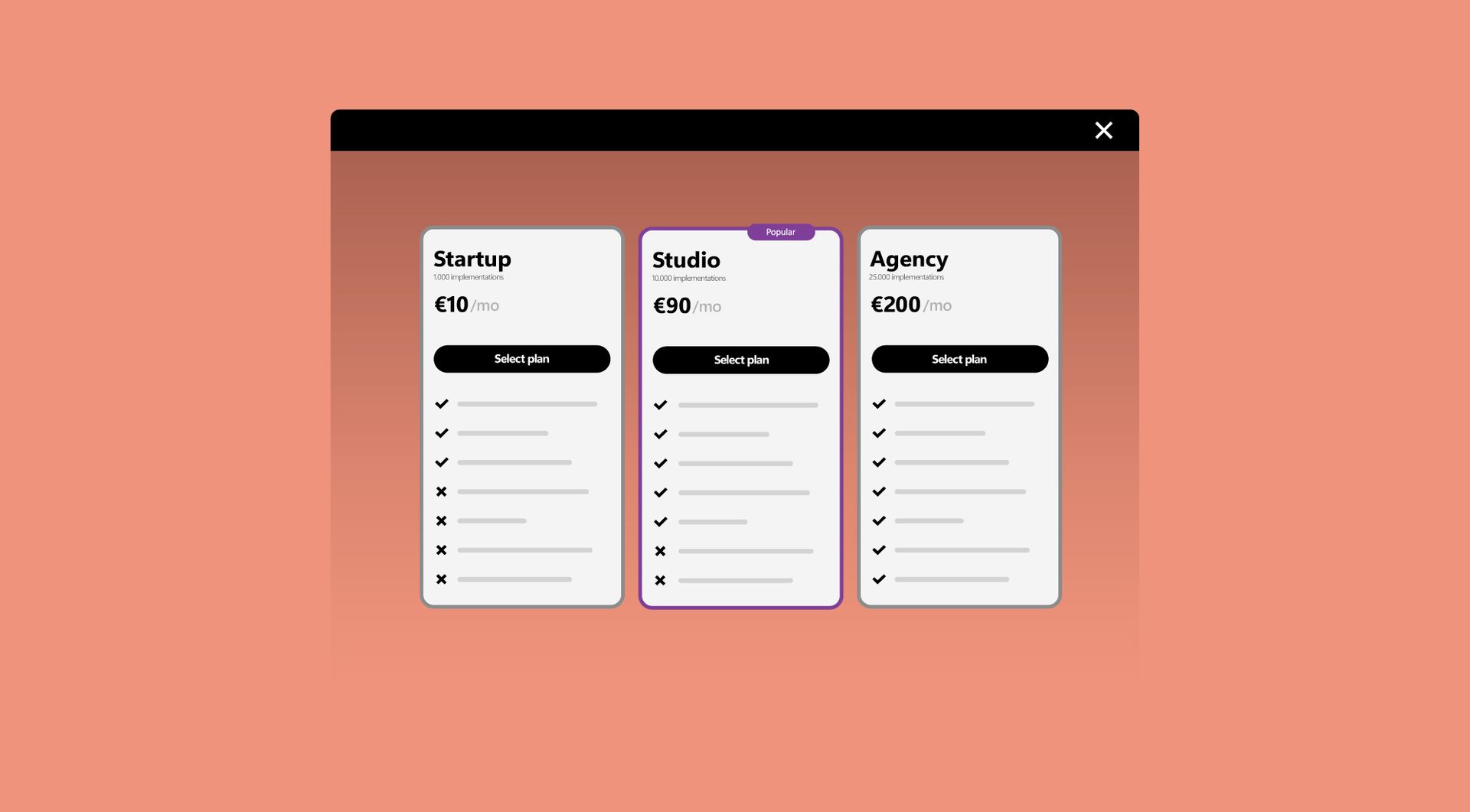
Subscription table
Display your pricing or subscription plans in a clear comparison table. Help visitors choose the option that best fits their needs.
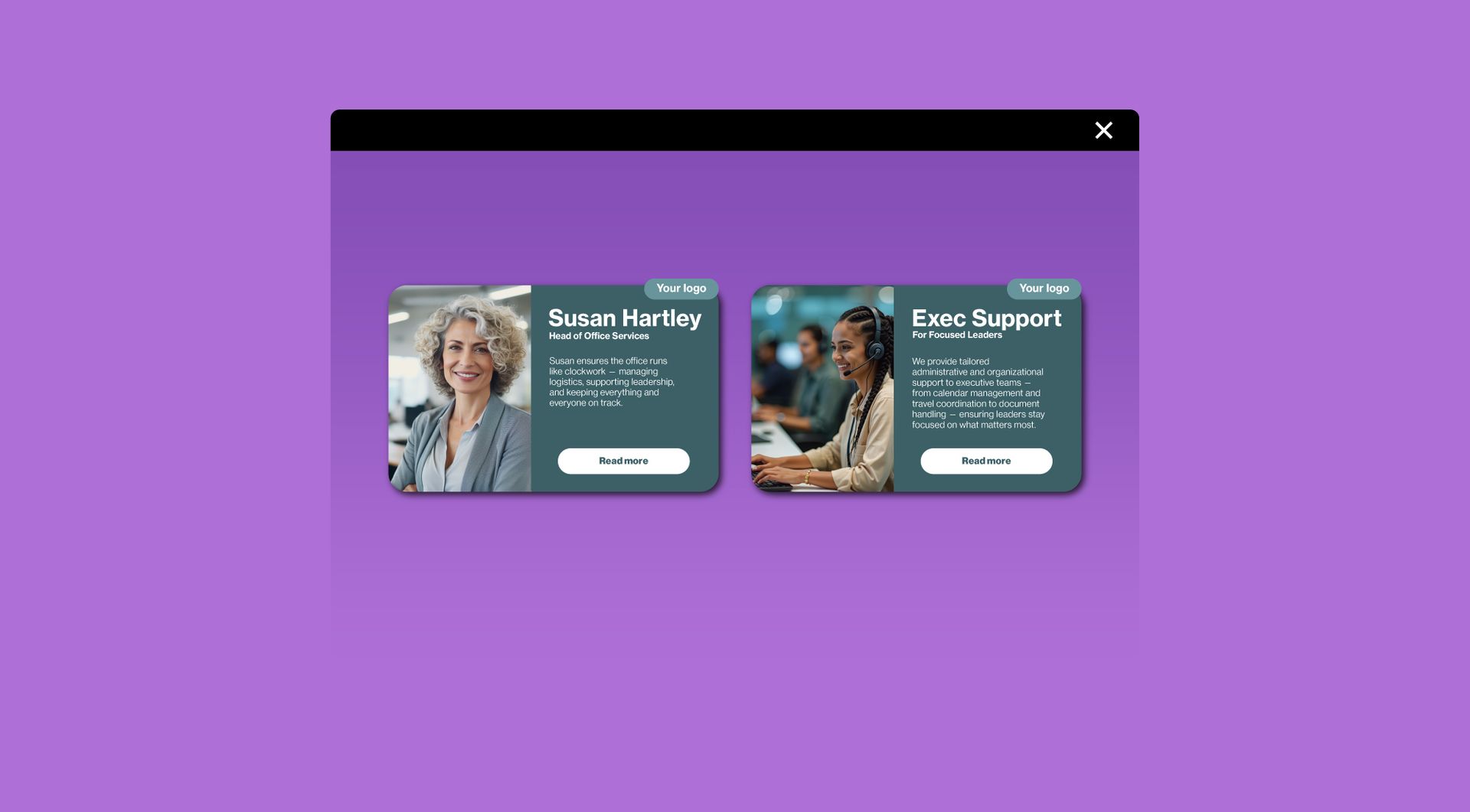
Card widget
Display information in stylish, clickable cards. Ideal for services, team members, or featured content.
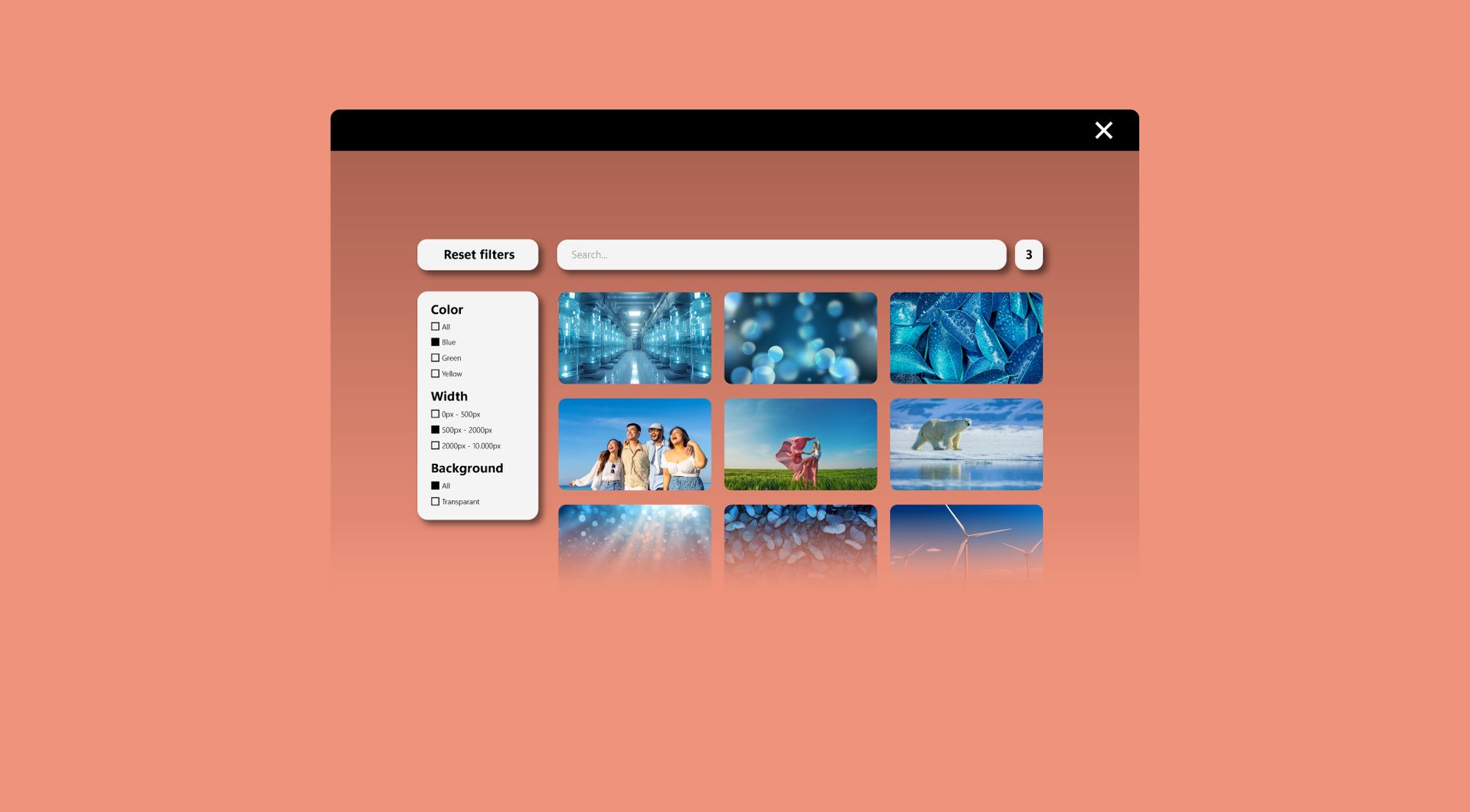
Filter widget
Allow users to filter products, services, or content by category, price, or other criteria. Make browsing fast and intuitive.