Counting circles
Why use the Counting circles on your Duda website?
Highlight statistics without plain text blocks
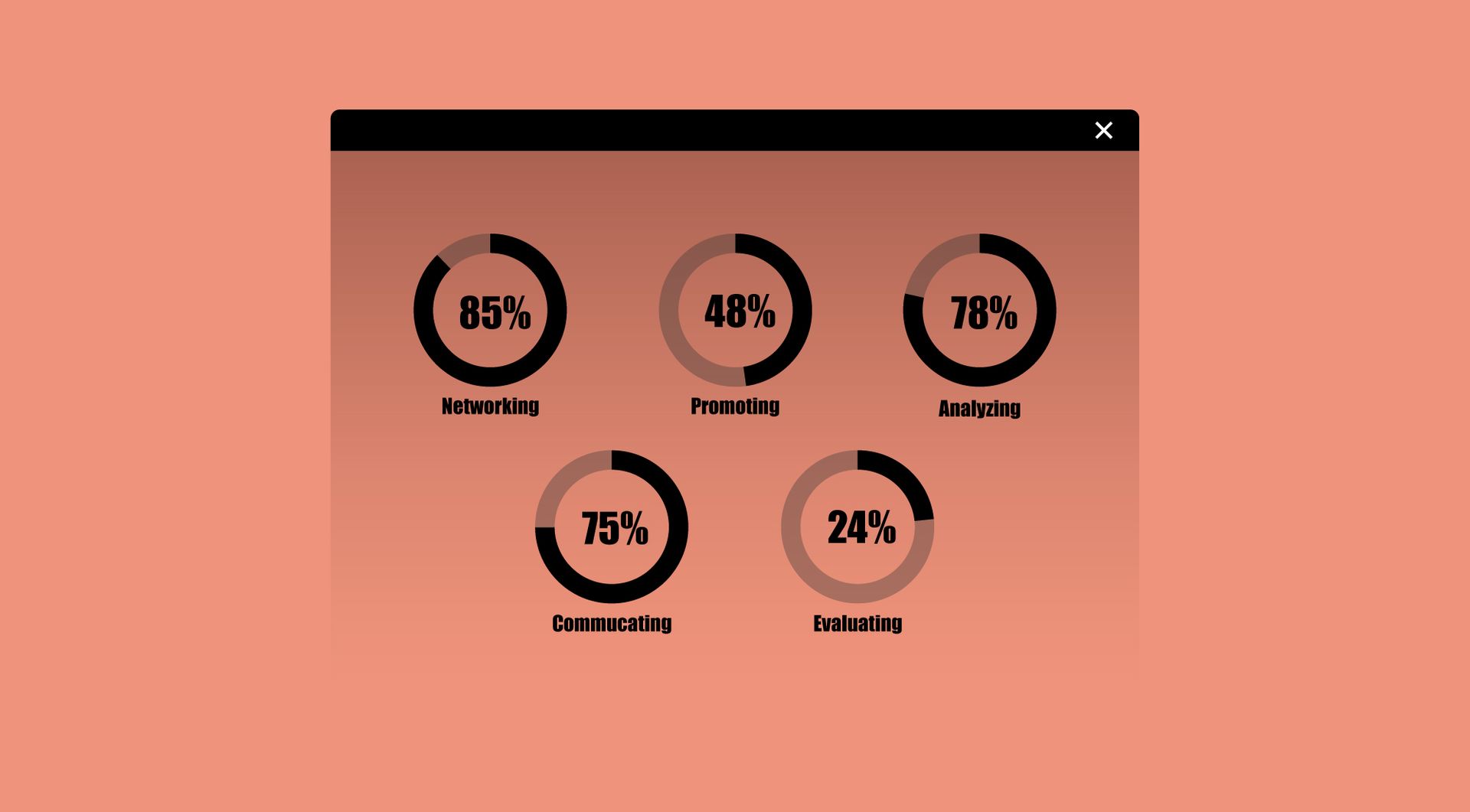
Important figures can easily disappear inside regular content. Counting Circles gives numbers a stronger visual format, helping agencies present results, achievements, KPIs or milestones in a way that is easier for visitors to scan and understand.
Add motion to data-driven sections
Static numbers often feel flat, especially on landing pages or service pages. The animated counting effect draws attention to selected figures without needing a full custom design or complex interactive section.
Build stronger proof sections for clients
Agencies often need to show client results, years of experience, completed projects or customer numbers. Counting Circles helps turn those proof points into a dedicated visual section that supports trust and clarity.
Reuse a practical statistics block across Duda sites
Instead of rebuilding similar counter sections for every project, agencies can use one widget for different clients and use cases. This saves setup time and creates a more consistent way to present measurable information.
Some frequently asked questions
What does the Counting Circles widget do?
The Counting Circles widget displays numbers that count up with an animation, usually inside circular visual elements. It is useful for statistics, milestones, results and key figures.Is the animation only visual, or does it change the actual number?
The animation is used to visually count up to the number you set. The final displayed number is the number configured for that specific circle.What kind of numbers can I show?
You can use it for figures such as completed projects, years of experience, happy clients, team size, growth percentages, locations, reviews or other measurable highlights.Can I customise the widget?
Yes. All goWIDGETS widgets are fully customisable, so the widget can be adjusted to fit the design and content of the website.Do I need a developer to use this widget?
No. You do not need a developer to use or install the widget.Can goWIDGETS help with installation?
Yes. If needed, goWIDGETS can help with the installation of the widget.Can I use this widget on multiple Duda sites?
Yes. The widget can be used on all sites within the customer’s Duda account.
Explore related widgets
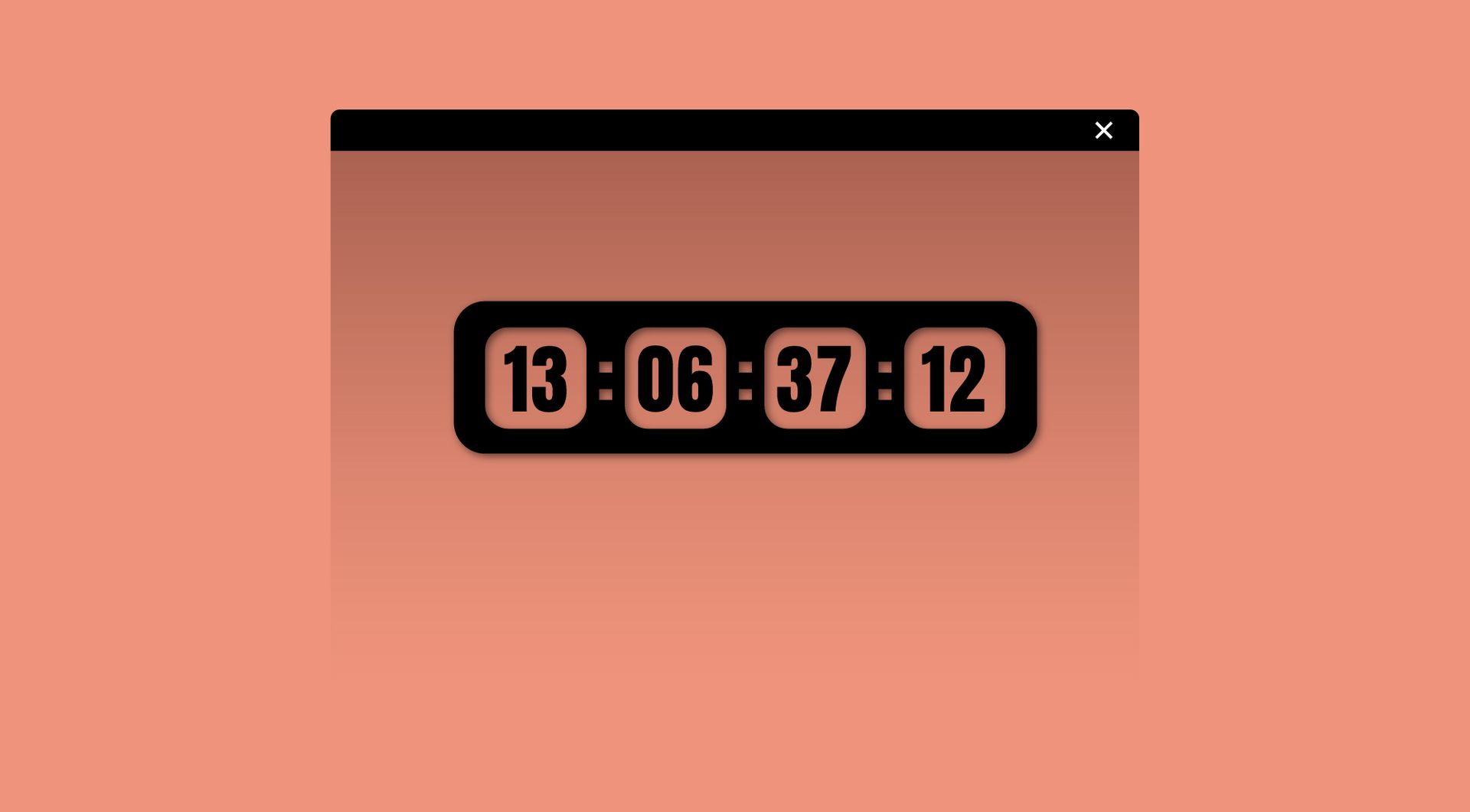
Countdown timer
Create excitement with a live countdown to your event or launch. Keep visitors engaged and looking forward to what’s coming.
Text highlighter
Highlight key words or phrases in your text. Draw attention to important details and improve readability.

Dynamic text
Creates an engaging effect by simulating the typing and erasing of text, adding interactivity and flair to your webpage.