Webdesign footer
Why use the Webdesign footer on your Duda website?
Give your agency visible credit on client websites
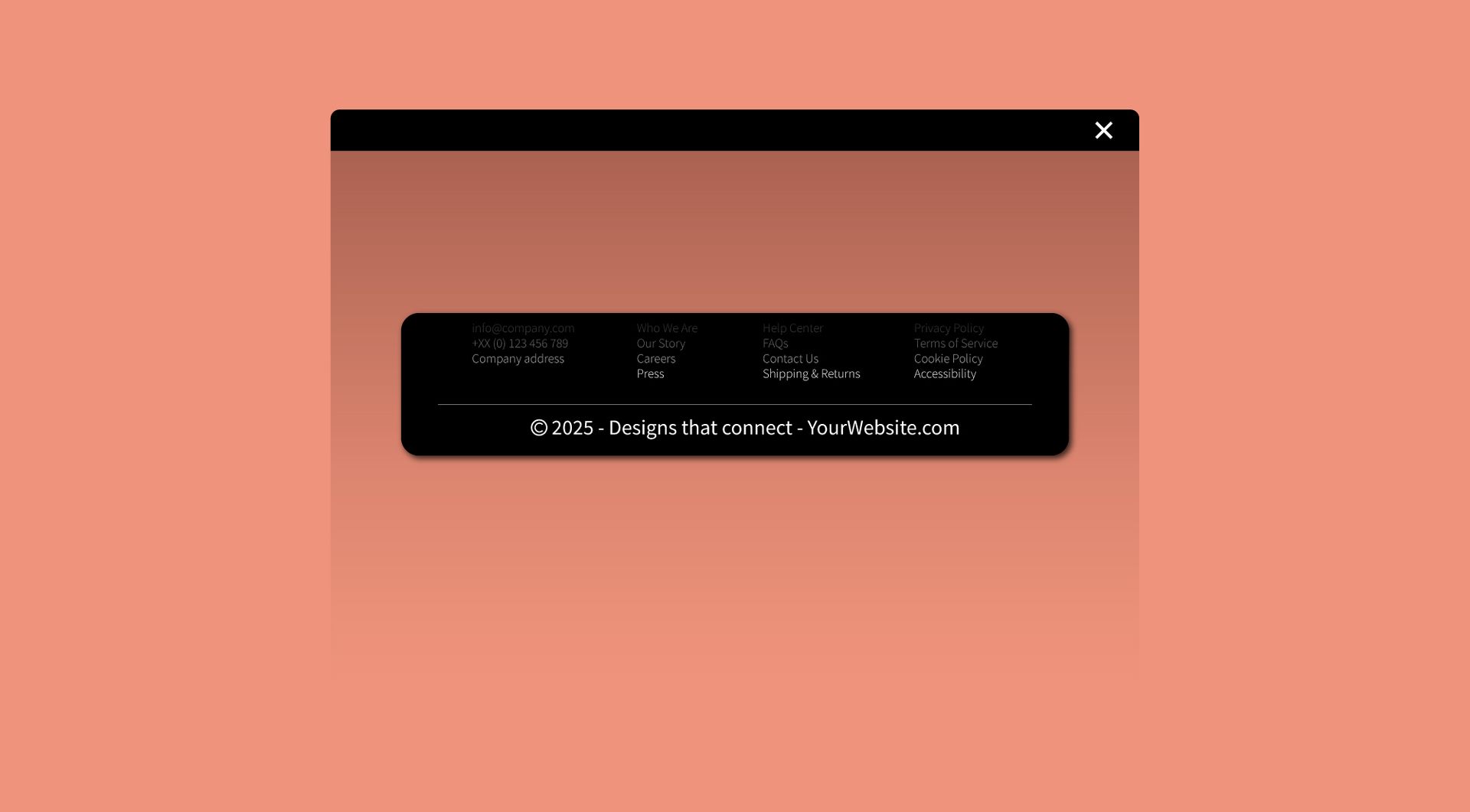
A client website is also part of your agency portfolio. This widget helps you add a clear footer credit, such as “Website by [agency name]”, so visitors can see who built the website and visit your agency website directly.
Add a useful backlink without custom footer work
Adding a footer credit manually on every project can become repetitive. The Webdesign Footer widget gives agencies a practical way to include a linked credit without rebuilding the footer structure from scratch for each Duda website.
Keep footer credits consistent across projects
Agency credits often become inconsistent when every website is handled slightly differently. This widget helps standardise the way your name, copyright text or website credit appears, making your client projects look more professional and easier to manage.
Support lead generation from completed websites
A well-placed footer credit can help potential clients discover your agency through websites you have already built. Instead of only showing a name, the widget can link visitors to your own website, portfolio or contact page.
Some frequently asked questions
What is the Webdesign Footer widget?
The Webdesign Footer widget lets Duda agencies and users add a linked footer credit to a website. It can be used to show who created the website or webshop.What problem does this widget solve?
It helps agencies avoid repeated manual footer work while making their agency credit visible and clickable on client websites.Can I use it as a “website by” footer?
Yes. The widget is suitable for footer text such as “Website by”, “Site by”, “Webdesign by” or similar agency credit wording.Can the footer link to my agency website?
Yes. The main purpose of the widget is to show who built the website and link that credit to another website, such as your agency website.Can I use it as a copyright footer?
Yes. The widget can be used for copyright-style footer text, agency credits or a combination of both, depending on how you want to present it.Can I customise the widget?
Yes. All goWIDGETS widgets are fully customisable, so you can adjust the content and presentation to match the website or agency brand.Do I need a developer to use this widget?
No. You do not need a developer to use or install the widget.Can goWIDGETS help with installation?
Yes. If needed, goWIDGETS can help with the installation.Can I use this widget on multiple Duda websites?
Yes. The widget can be used on all sites within your Duda account.
Explore related widgets
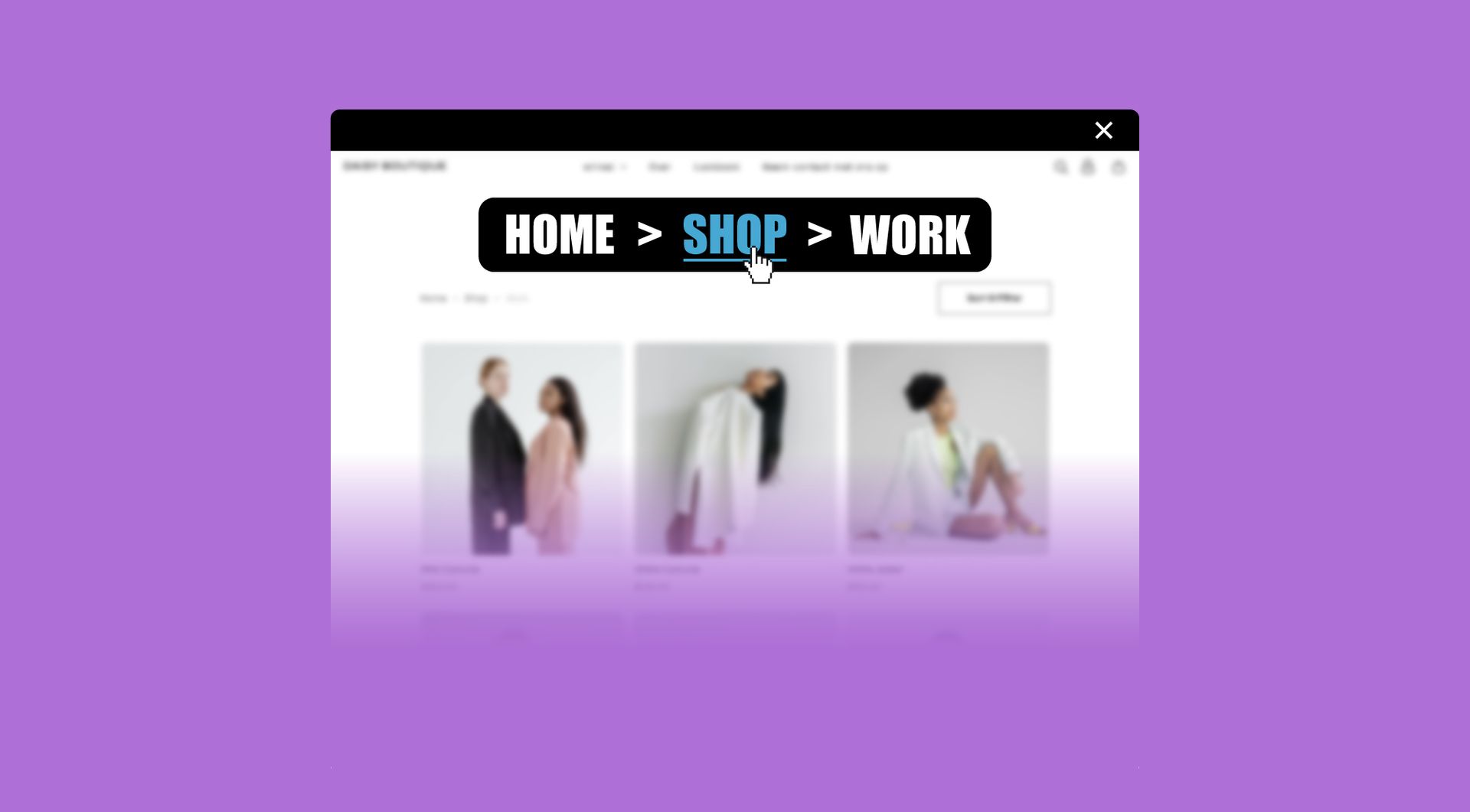
Automatic breadcrumb
Display a dynamic breadcrumb trail to show visitors where they are on your site. Improve navigation and SEO at the same time.
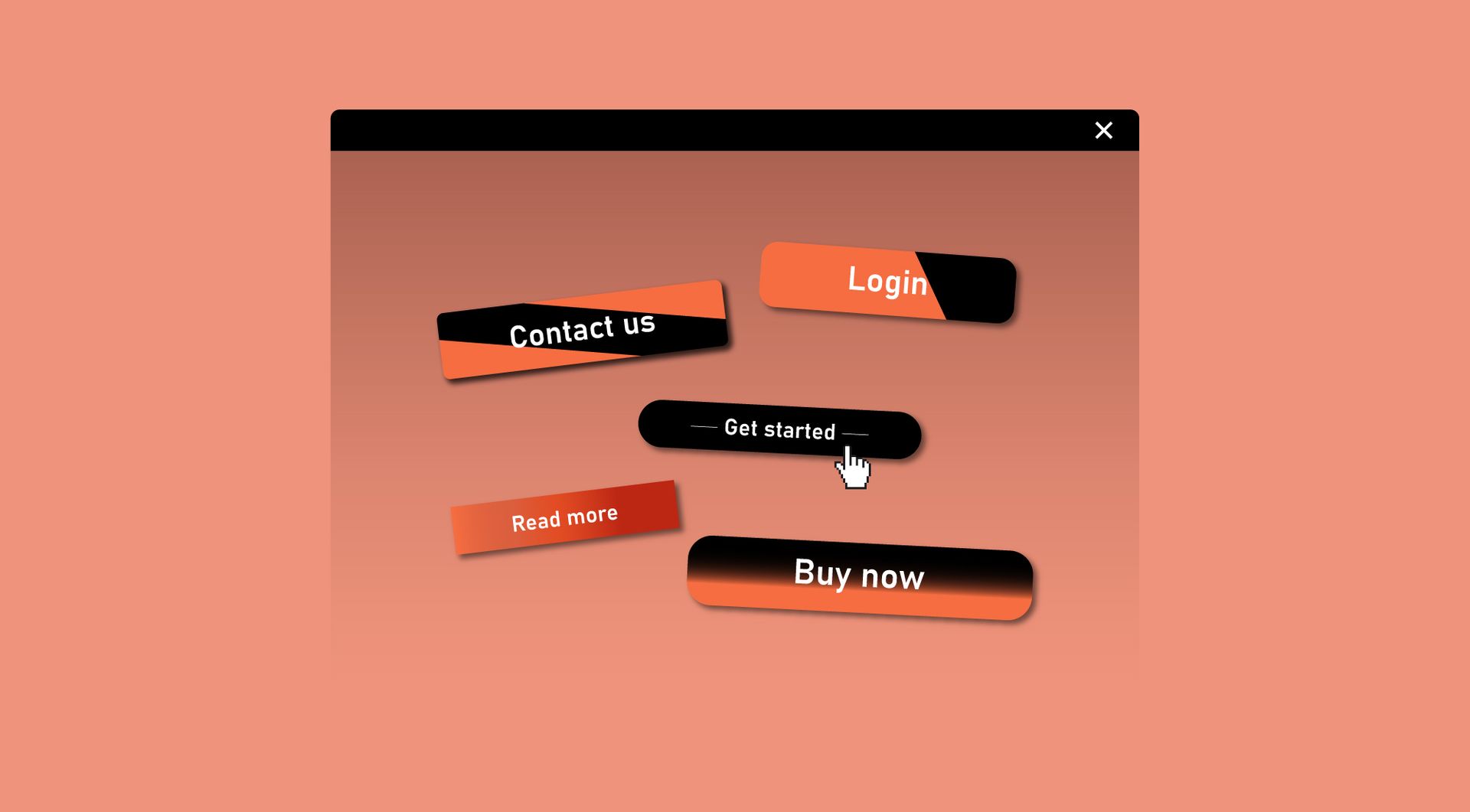
Custom button
Design a button that matches your brand and drives action. Link it to pages, forms, or external URLs with ease.
Contact block
Organize your contact page or header with the contact block.