Exit intent
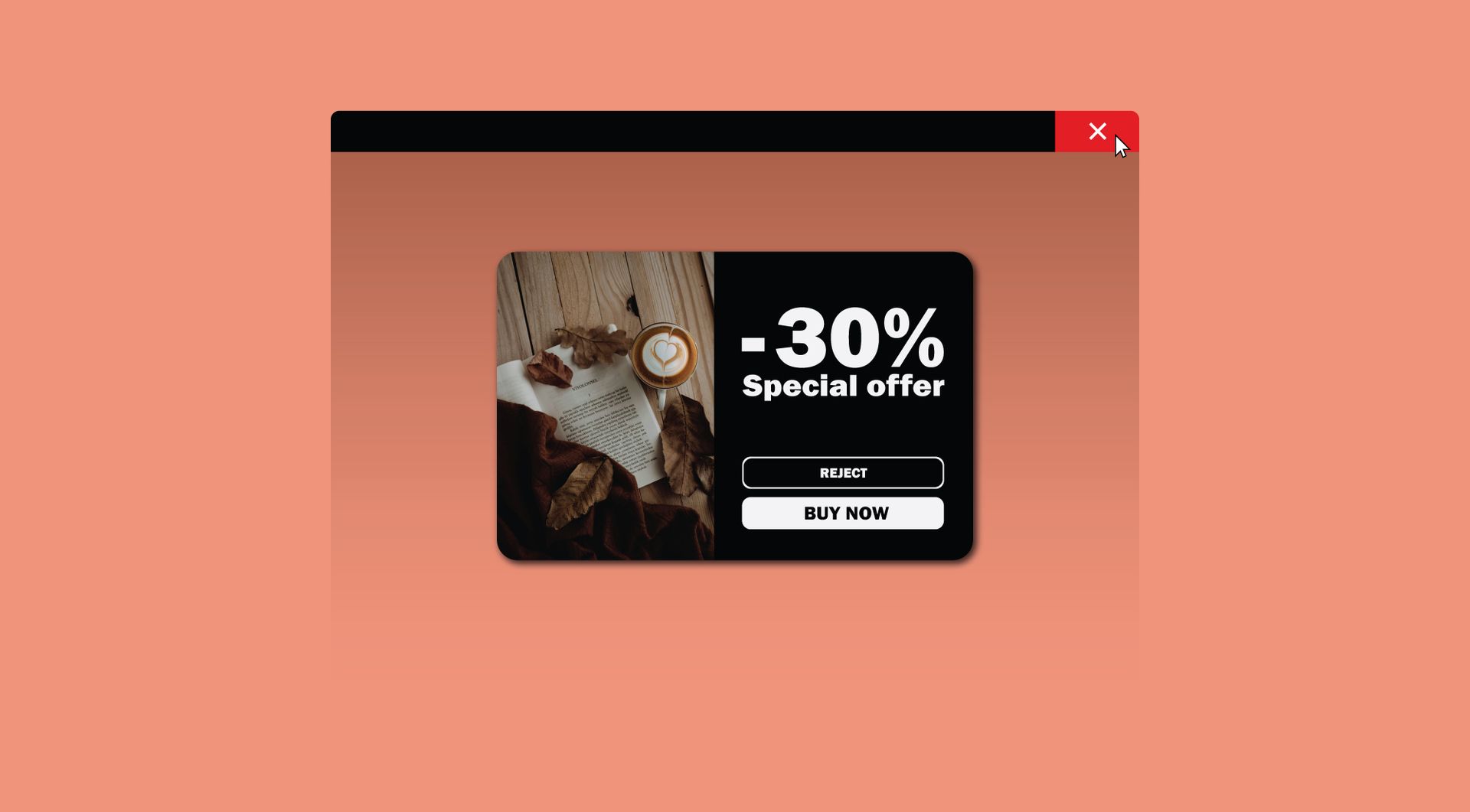
Why use the Exit intent on your Duda website?
Give visitors one final reason to act
Many visitors leave without contacting, requesting a quote or viewing an important offer. The Exit Intent widget helps show a final message at the right moment, so agencies can create a clear last-chance conversion point on Duda websites.
Reduce missed enquiries without rebuilding the page
Not every page has room for another large CTA section. An exit pop-up lets you add a focused call-to-action without changing the full layout. This is useful for agencies managing client sites where speed, consistency and minimal redesign work matter.
Support campaign pages and lead generation
The widget can be used to highlight a quote request, contact option, download, discount or demo. For agencies, this makes it easier to add conversion-focused messaging to landing pages, service pages or campaign pages inside Duda.
Avoid custom exit pop-up solutions for every client
Building exit behaviour manually for each website can create repeated work. This widget gives Duda agencies a reusable solution for exit pop-ups, making it easier to roll out similar conversion functionality across multiple client projects.
Some frequently asked questions
What is the Exit Intent widget for Duda websites?
The Exit Intent widget shows a pop-up when a visitor appears to be leaving the website. It gives the visitor one final opportunity to take action before exiting.
What problem does this widget solve?
It helps reduce missed opportunities by showing a clear final message before someone leaves the site. This can be used for contact requests, offers, downloads, demos or other conversion actions.
Can I use this widget as a contact pop-up?
Yes. The pop-up can be used to guide visitors to contact, request a quote, call the business or visit a specific contact page.
Is this widget useful for agencies?
Yes. Duda agencies can use it as a reusable conversion tool across client websites, especially for service pages, campaign landing pages and lead generation pages.Can the pop-up be customised?
Yes. All goWIDGETS widgets are fully customisable, so the content, styling and call-to-action can be adapted to fit the website and client brand.Do I need a developer to use this widget?
No. You do not need a developer to use or install the widget.Can goWIDGETS help with installation?
Yes. If needed, goWIDGETS can help with the installation.Can I use the widget on multiple Duda websites?
Yes. The widget can be used on all sites within your Duda account.How do I request the widget?
You can request the widget by clicking the “Get this widget” button.
Explore related widgets
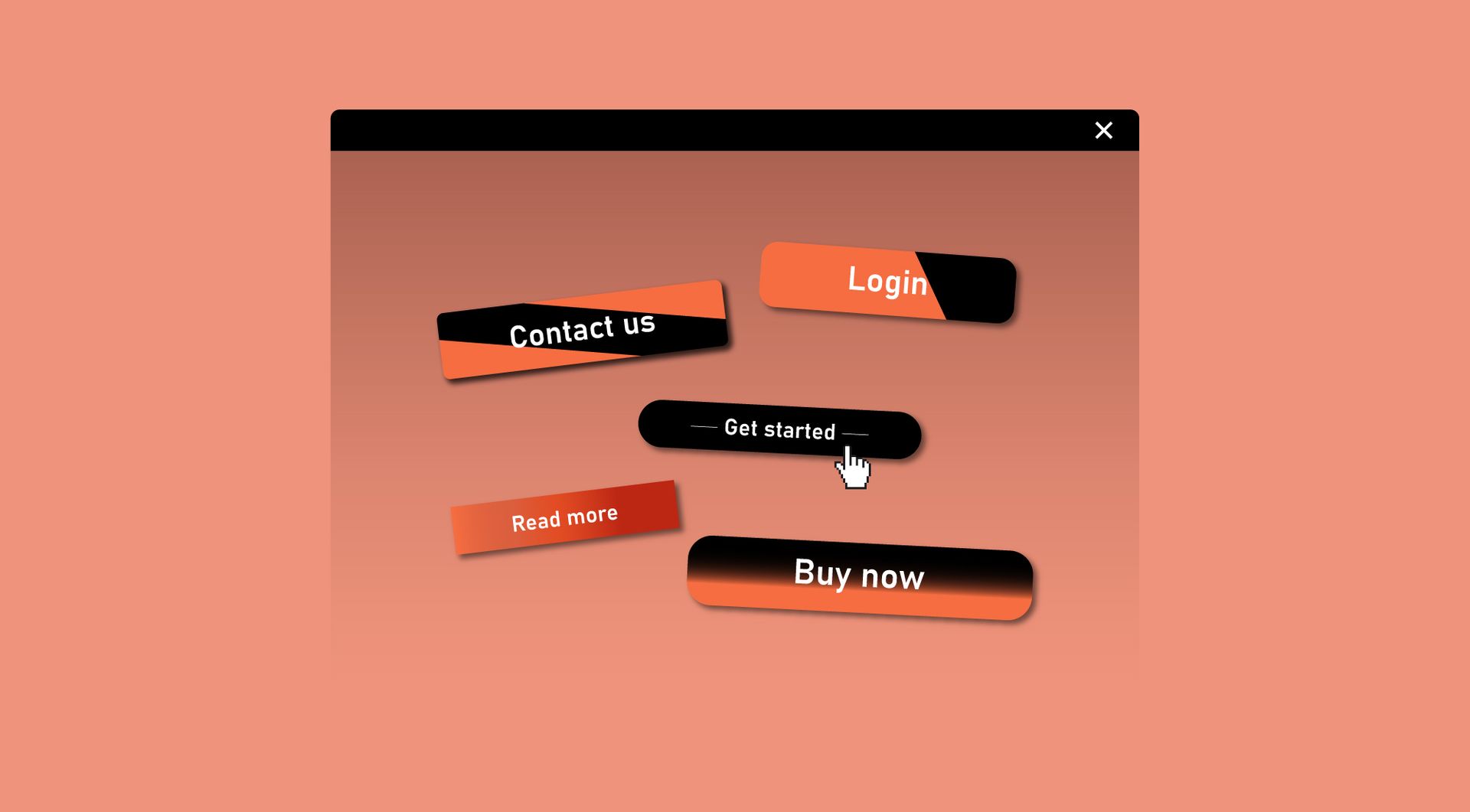
Custom button
Use the Custom Button widget to add clear actions to filtered content, such as “View product”, “Request quote”, “Book now” or “Learn more”.
Contact block
Organize your contact page or header with the contact block.
Slide out
Present extra content in a smooth slide-out panel. Great for menus, promotions, or contact forms without disrupting the page.